Head-to-head comparison
Hubitat vs Home Assistant
Both the Hubitat Elevation C-8 Pro and Home Assistant Green run 100% locally — no cloud required, no monthly fee. But they take very different approaches. Hubitat is a polished consumer hub with all radios built in. Home Assistant is an open-source platform with nearly limitless integrations. Here's how to decide which is right for you.
Quick verdict
Two Great Local Hubs, Two Different Audiences
Choose Hubitat if you want local control without touching a config file. Choose Home Assistant if you want maximum integrations and don't mind a learning curve.
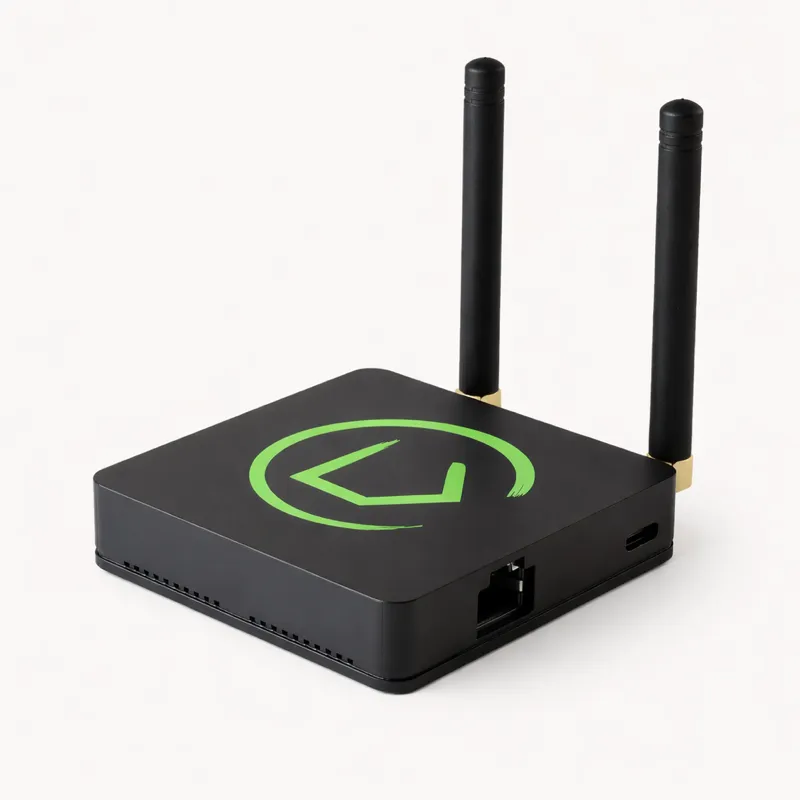
Hubitat Elevation C-8 Pro
A plug-and-play consumer hub with Zigbee, Z-Wave, Thread, Matter, and Wi-Fi radios all built in. Automations run locally with sub-second latency. Ideal for users who want local processing without YAML or add-on management.
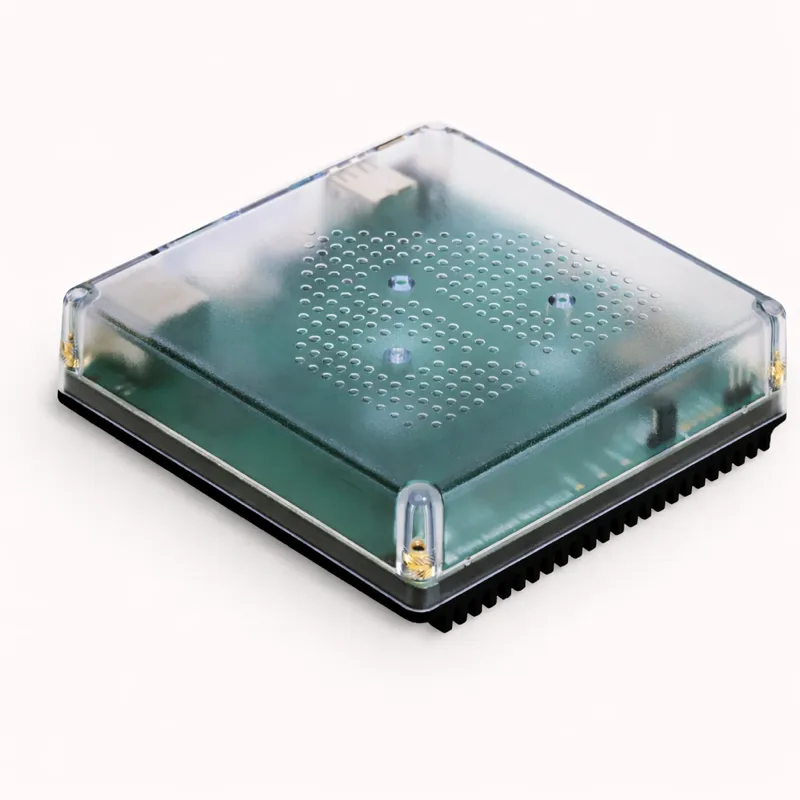
Home Assistant Green
The official Home Assistant hardware appliance. 3,000+ integrations, a thriving open-source community, and complete local control. Zigbee and Z-Wave need USB dongles (~$20–40 each), but the integration depth is unmatched.
Spec comparison
Head-to-Head
Detailed breakdown
Pros & Cons
Hubitat Elevation C-8 Pro
Pros
- All five radios built-in — no dongles or add-ons needed at purchase
- 100% local processing, automations survive internet outages
- Rule Machine is powerful and GUI-only (no YAML)
- Native HomeKit integration on C-8 Pro (Thread border router)
- Solid reliability reputation — community reports very few unexplained dropouts
- No monthly subscription fee, ever
Cons
- App rating only 3.8 — UI feels dated compared to competitors
- Limited to ~200 community integrations vs 3,000+ for Home Assistant
- No built-in IR blaster for legacy TV/AC control
- Rule Machine has a steep learning curve despite being GUI-based
Home Assistant Green
Pros
- 3,000+ integrations — virtually every smart home brand covered
- 4.6-star app with highly customisable Lovelace dashboards
- Energy monitoring dashboard built-in — solar, grid, battery
- Active open-source community with monthly releases
- Voice assistant integrations: Alexa, Google, and Apple HomeKit
- Lower entry price at $99 (before dongles)
Cons
- Steep learning curve — YAML config and add-on management required for full setup
- Zigbee and Z-Wave need separate USB dongles ($20–40 each)
- Updates can occasionally break integrations or automations
- Higher upfront effort to replicate what Hubitat does out of the box
Our recommendation
Who Should Buy Each Hub?
Choose Hubitat if…
You want local control without YAML
Hubitat's entire setup flow and automation engine is GUI-based. You never need to touch a config file.
You have Zigbee and Z-Wave devices already
Both radios are built-in on the C-8 Pro. No dongles to source, configure, or re-pair.
You use HomeKit
The C-8 Pro has a native HomeKit integration and acts as a Thread border router — unusually strong Apple ecosystem support for a non-Apple device.
Reliability is your top priority
Hubitat's community consistently praises its rock-solid stability. Automations fire reliably, month after month.
Choose Home Assistant if…
You have 20+ device brands
Home Assistant's 3,000+ integrations mean virtually any smart device can be unified under one roof.
You want full customisation
Lovelace dashboards, custom cards, and YAML give you complete control over your UI and automation logic.
Energy monitoring matters
Home Assistant's built-in Energy dashboard tracks solar generation, grid consumption, and battery storage with beautiful visualisations.
You're a developer or enjoy tinkering
The active open-source community, monthly releases, and hackability make Home Assistant a joy for technically minded users.
FAQ
Hubitat vs Home Assistant FAQ
Not sure which is right for you?
Answer 8 questions and get a personalized recommendation.