HomeControlHub

Best Smart Home Hubs for 2025

Last updated: March 2025

·

By the HomeControlHub editorial team

We evaluated eight major smart home hubs across protocol support, setup experience, app quality, and long-term value. Here is what we found.

Best Overall

Amazon

Amazon Echo Hub

$179.99
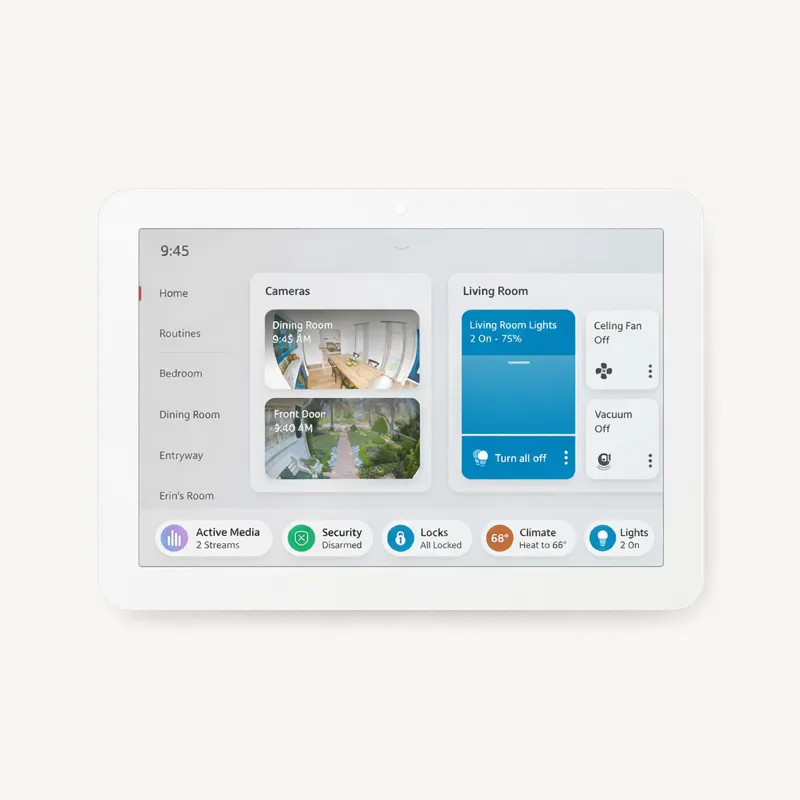
The best all-round hub for Alexa households — easy setup, broad compatibility, and a genuinely useful 8" touchscreen.

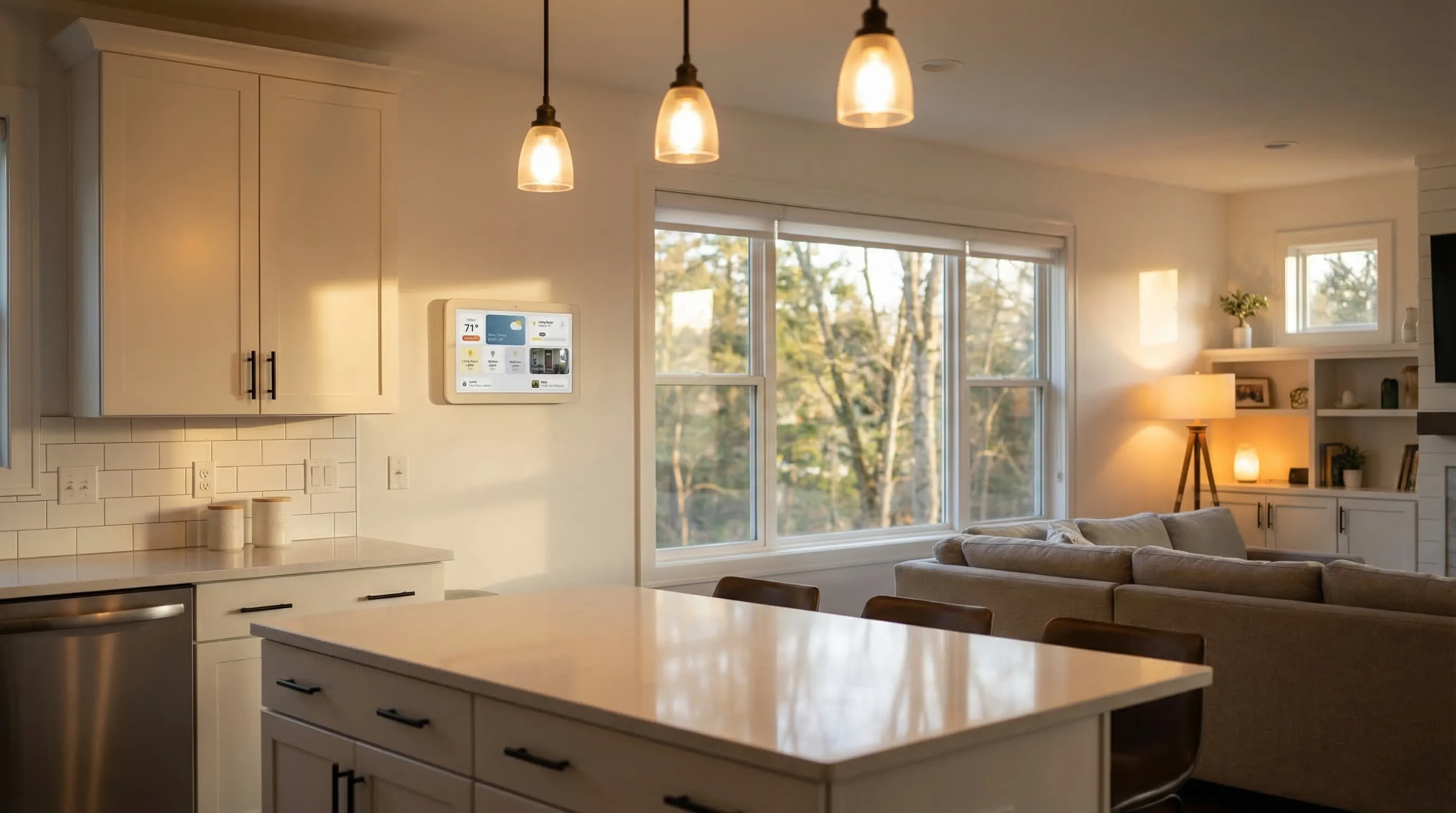
The Amazon Echo Hub is the rare smart home device that actually delivers on its promise of simplicity. Unlike most hubs that require a separate app and a 20-step setup process, the Echo Hub arrives ready to go — plug it in, log into your Amazon account, and your existing Alexa devices appear automatically.

What elevates it above a standard Echo Show is the built-in Zigbee radio. This means you can add Zigbee sensors, bulbs, and locks directly to the hub without a separate Zigbee coordinator — a $50–$100 saving compared to building a SmartThings or Aqara setup. The 8-inch touchscreen is genuinely useful for a wall-mounted control panel, showing camera feeds, thermostat controls, and room-by-room scenes at a glance.

The Echo Hub's main constraint is its Alexa dependency. If you're in a Google Home or Apple HomeKit household, compatibility is patchy. But for the tens of millions of US homes already in the Alexa ecosystem, this is the fastest path to a genuinely unified smart home — and at $179, it's priced competitively against building a comparable setup from scratch.

Pros

  • Built-in Zigbee and Matter radio — no separate hub needed
  • 8" touchscreen dashboard shows cameras, routines, and device controls
  • Works with 100,000+ Alexa-compatible devices

Cons

  • Alexa-only ecosystem — limited Google Home and HomeKit integration
  • Cloud-dependent; loses some features if internet goes down
Amazon Echo Hub specifications
ProtocolsZigbee · Thread · Matter · Wi-Fi
Voice AssistantsAlexa
Local ProcessingNo (cloud)
Max Devices100+
Monthly FeeNone
↑ Back to top
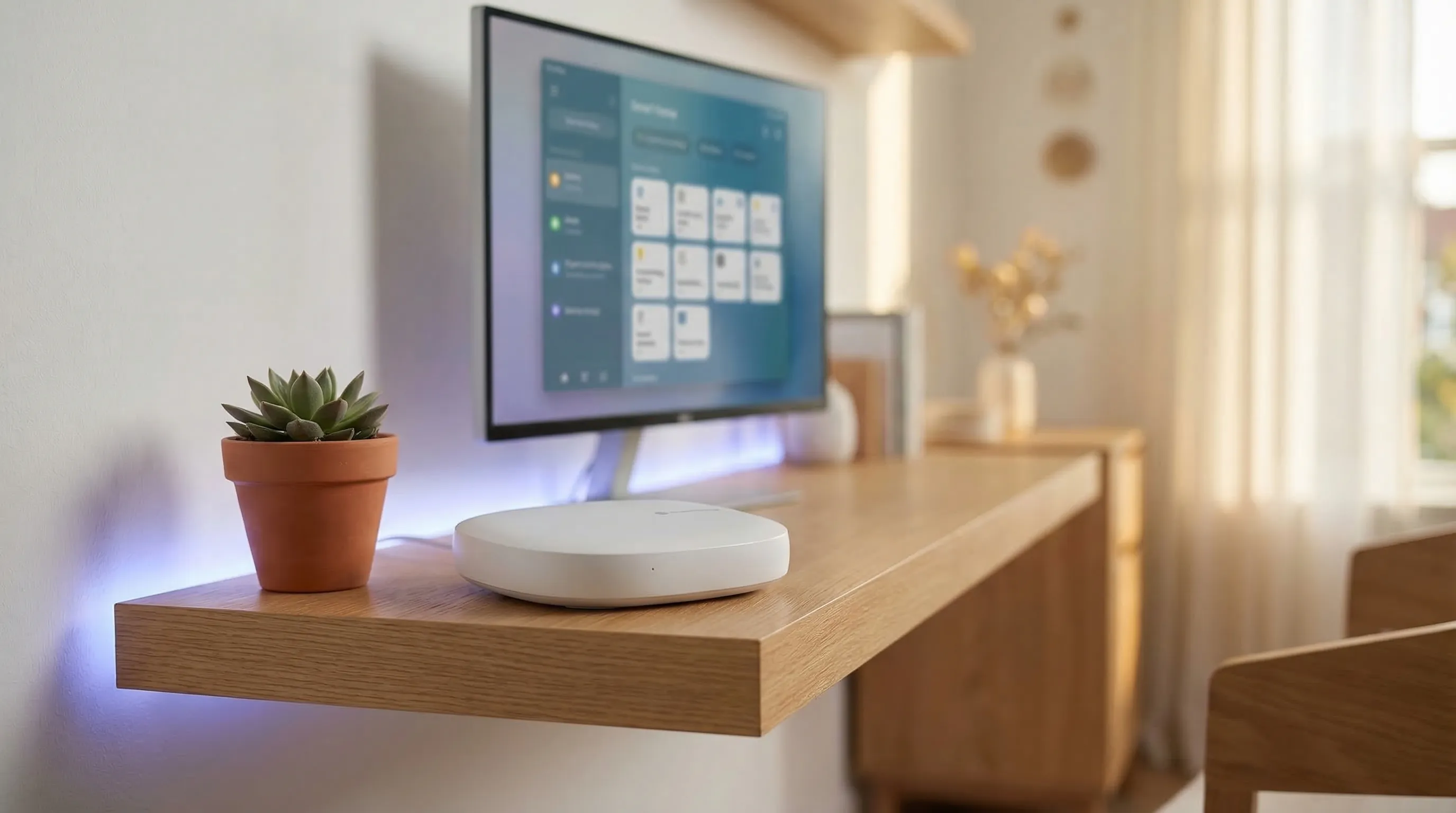
Amazon Echo Hub smart home hub
Best for Apple

Aqara

Aqara Hub M3

$89.99

The best HomeKit hub — Matter over Thread support, Zigbee built in, and the cleanest Apple ecosystem integration available.

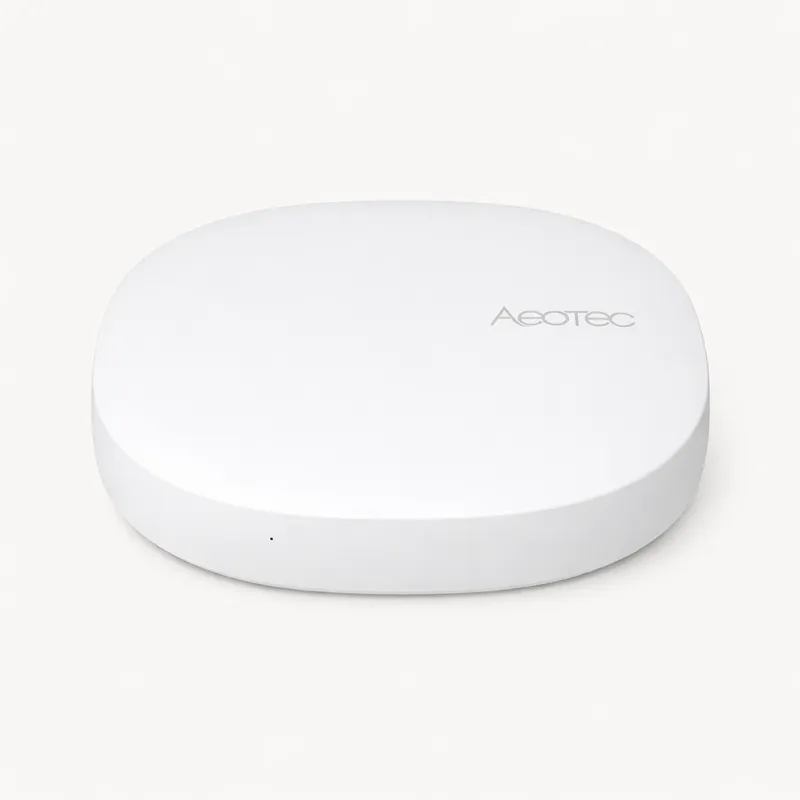
For Apple households, the Aqara Hub M3 is the definitive answer. It combines a Zigbee radio, Thread border router, and full Matter support in a compact, affordable package — making it the only hub that genuinely unifies the Apple ecosystem with broader smart home compatibility.

The key differentiator is its Thread border router. Thread is the mesh networking protocol that Apple, Google, Amazon, and Samsung have all agreed is the future of smart home connectivity. Having a Thread border router means your Hub M3 will work with the next generation of Matter Thread devices automatically — future-proofing your setup without requiring a hardware upgrade.

The Aqara app is well-designed and the device library, while smaller than Amazon's, covers all the essentials: door sensors, motion detectors, smart locks, thermostats, and cameras. For iPhone users who want their smart home to feel like an extension of iOS — appearing in the Home app, responding to Siri, integrated with HomeKit Secure Video — the Aqara Hub M3 at $89.99 is an exceptional value.

Pros

  • Best HomeKit hub — native HomeKit, Thread border router, and Zigbee in one
  • Local processing via HomeKit Secure Video and HomeKit architecture
  • Works as a standalone Zigbee hub for non-HomeKit setups too

Cons

  • No Z-Wave support
  • Primarily Apple-ecosystem focused
  • Smaller device library than Amazon or SmartThings
Aqara Hub M3 specifications
ProtocolsZigbee · Thread · Matter · Wi-Fi
Voice AssistantsAlexa, HomeKit
Local ProcessingYes
Max Devices128+
Monthly FeeNone
↑ Back to top
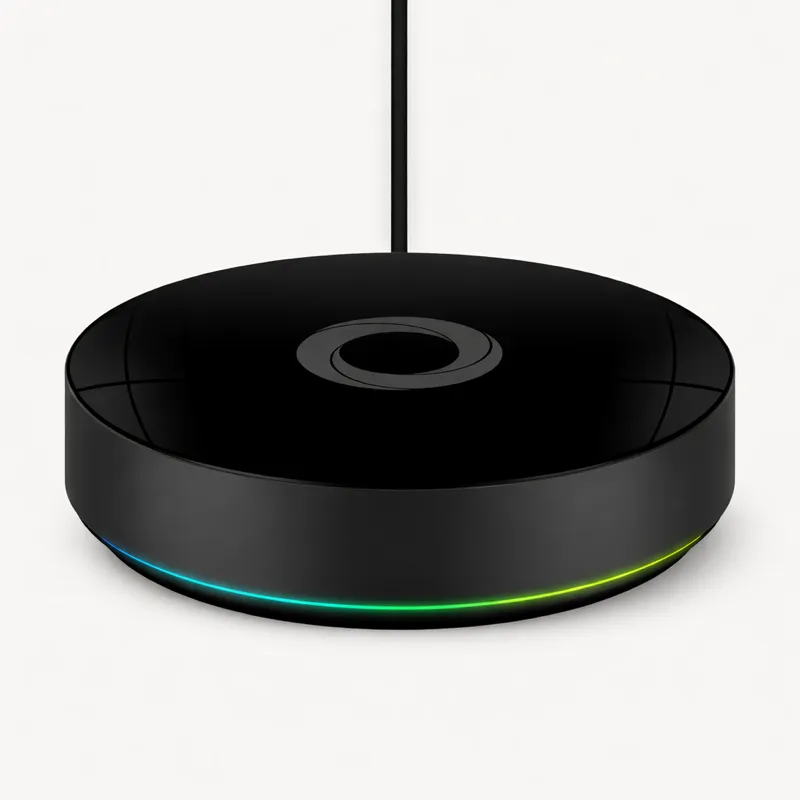
Aqara Hub M3 smart home hub
Best for Power Users

Samsung

Samsung SmartThings Hub

$69.99

The broadest protocol coverage at the lowest price — ideal for tinkerers who want Zigbee, Z-Wave, and Matter in one box.

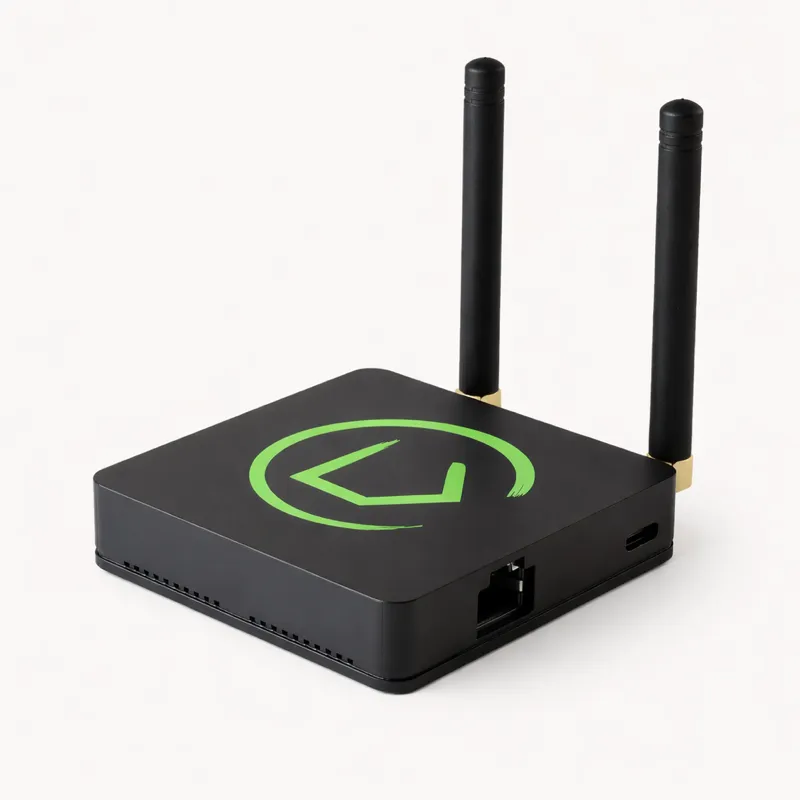
If you need to connect legacy Zigbee sensors, Z-Wave locks, and new Matter devices all in one hub, the SmartThings Hub is the only option under $100 that does it. Its protocol breadth is unmatched at this price point, and its local processing means your automations keep running during internet outages — something neither the Echo Hub nor Nest Hub Max can claim.

The trade-off is complexity. SmartThings is designed for people who enjoy tinkering. The app has more power than any competitor, but that power comes with a steeper learning curve. Setting up advanced automations requires navigating "Rules" and "Scenes" and "Automations" — three overlapping systems that often confuse new users.

For the right buyer — someone who has a mix of old Zigbee sensors, Z-Wave door locks, and new Matter bulbs, and who doesn't mind spending an afternoon getting everything connected — SmartThings is extraordinary value. For everyone else, something simpler will serve better.

Pros

  • Only sub-$100 hub with Zigbee, Z-Wave, Thread, and Matter
  • Works with Alexa and Google Assistant
  • Strong local processing — automations run without internet

Cons

  • SmartThings app has a cluttered, complex UI
  • No built-in display
  • Samsung's history of platform changes creates uncertainty
Samsung SmartThings Hub specifications
ProtocolsZigbee · Z-Wave · Thread · Matter · Wi-Fi
Voice AssistantsAlexa, Google
Local ProcessingYes
Max Devices200+
Monthly FeeNone
↑ Back to top
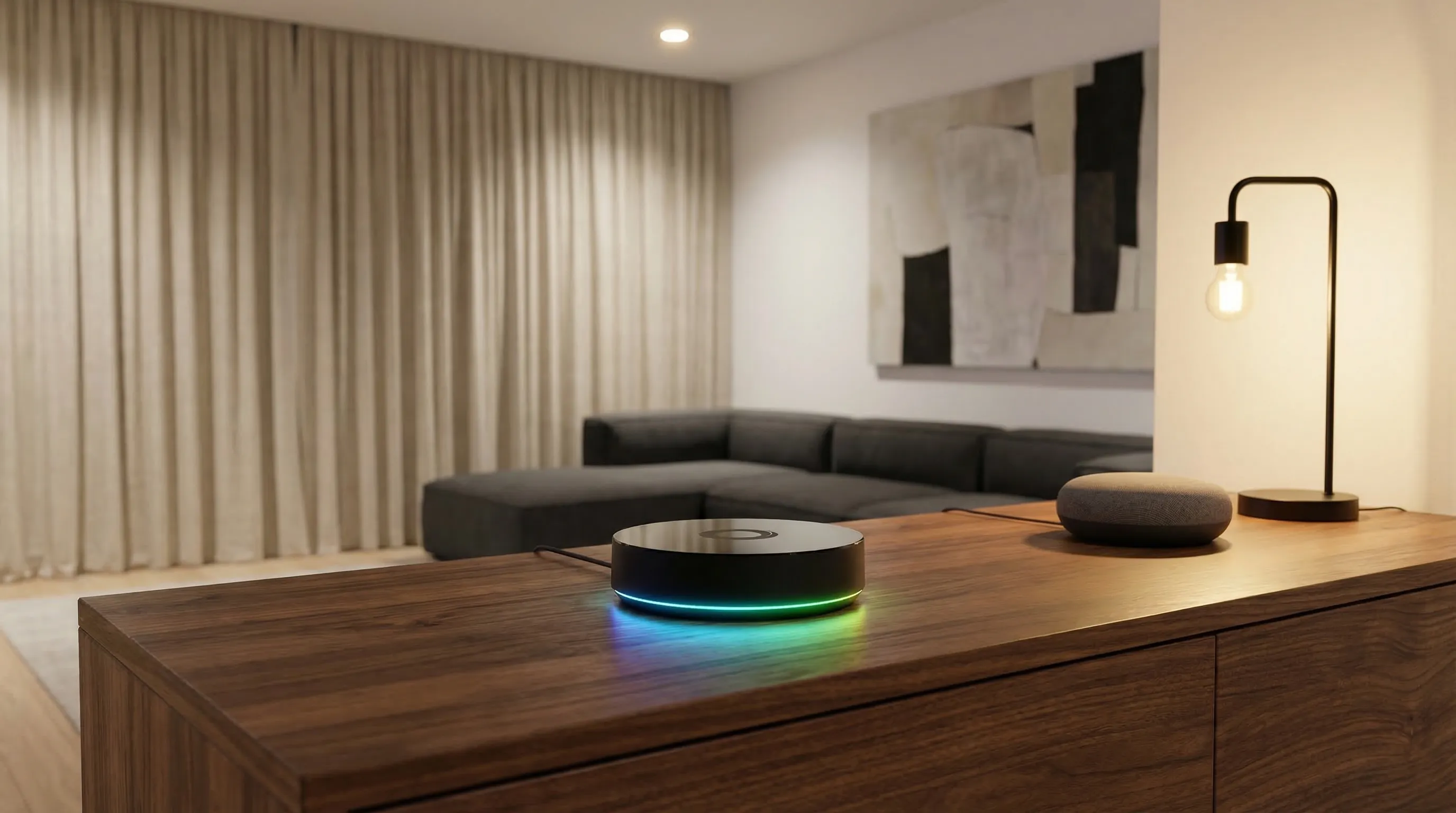
Samsung SmartThings Hub smart home hub
Best for Large Homes

Athom

Homey Pro

$399

The most powerful hub on the market — supports every major protocol plus Infrared and 433MHz. Premium price for premium capability.

Homey Pro is what you build when you refuse to compromise. At $399, it is the most expensive hub in this guide by a significant margin — and the only one that unifies every major smart home protocol under one roof with full local processing.

The standout feature is the Homey app, which is genuinely the best-designed smart home application available. Where SmartThings feels like enterprise software and Google Home feels like a consumer toy, Homey Pro strikes a rare balance: powerful enough for expert users, intuitive enough for enthusiastic beginners. The flow-based automation builder is particularly impressive — it lets you create complex multi-step automations with conditions and triggers in a visual interface that actually makes sense.

Homey Pro is for serious smart home enthusiasts: people who have or plan to have 50+ devices across multiple brands and protocols, who want everything working locally without internet dependency, and who see the $399 investment as a one-time purchase rather than an ongoing subscription. If that's you, nothing else comes close.

Pros

  • Supports Zigbee, Z-Wave, Thread, Matter, IR, and 433MHz in one device
  • Homey app is the best-designed hub app on the market
  • Full local processing — no cloud dependency

Cons

  • $399 price tag is a significant commitment
  • Overkill for smaller or simpler setups
Homey Pro specifications
ProtocolsZigbee · Z-Wave · Thread · Matter · Wi-Fi
Voice AssistantsAlexa, Google, HomeKit
Local ProcessingYes
Max Devices1000+
Monthly FeeNone
↑ Back to top
Homey Pro smart home hub
Best Display

Google

Google Nest Hub Max

$229.99

The best hub for Google Home users who want a premium display — but limited protocol support holds it back.

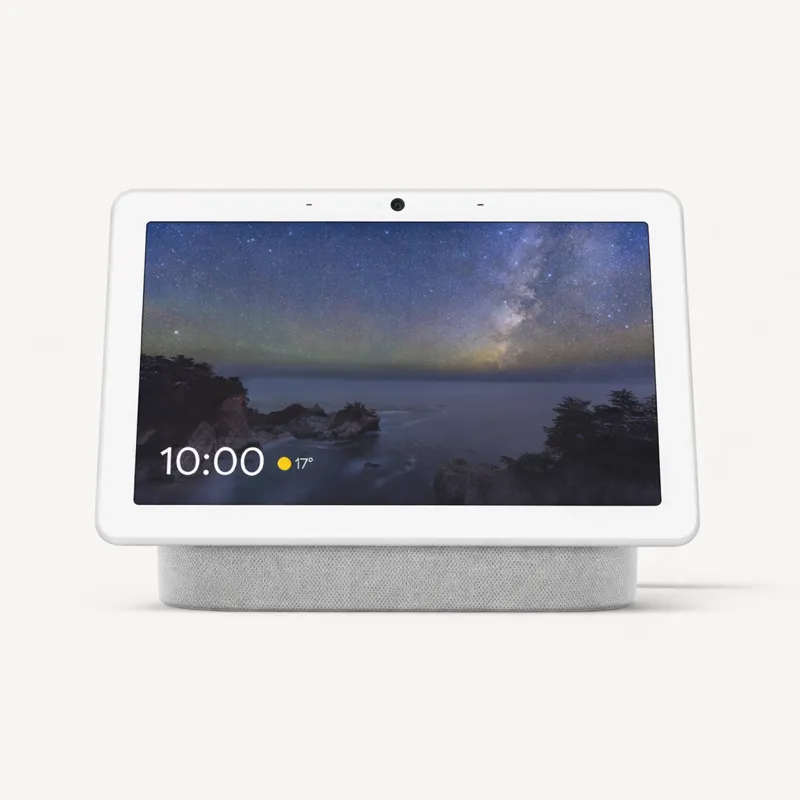
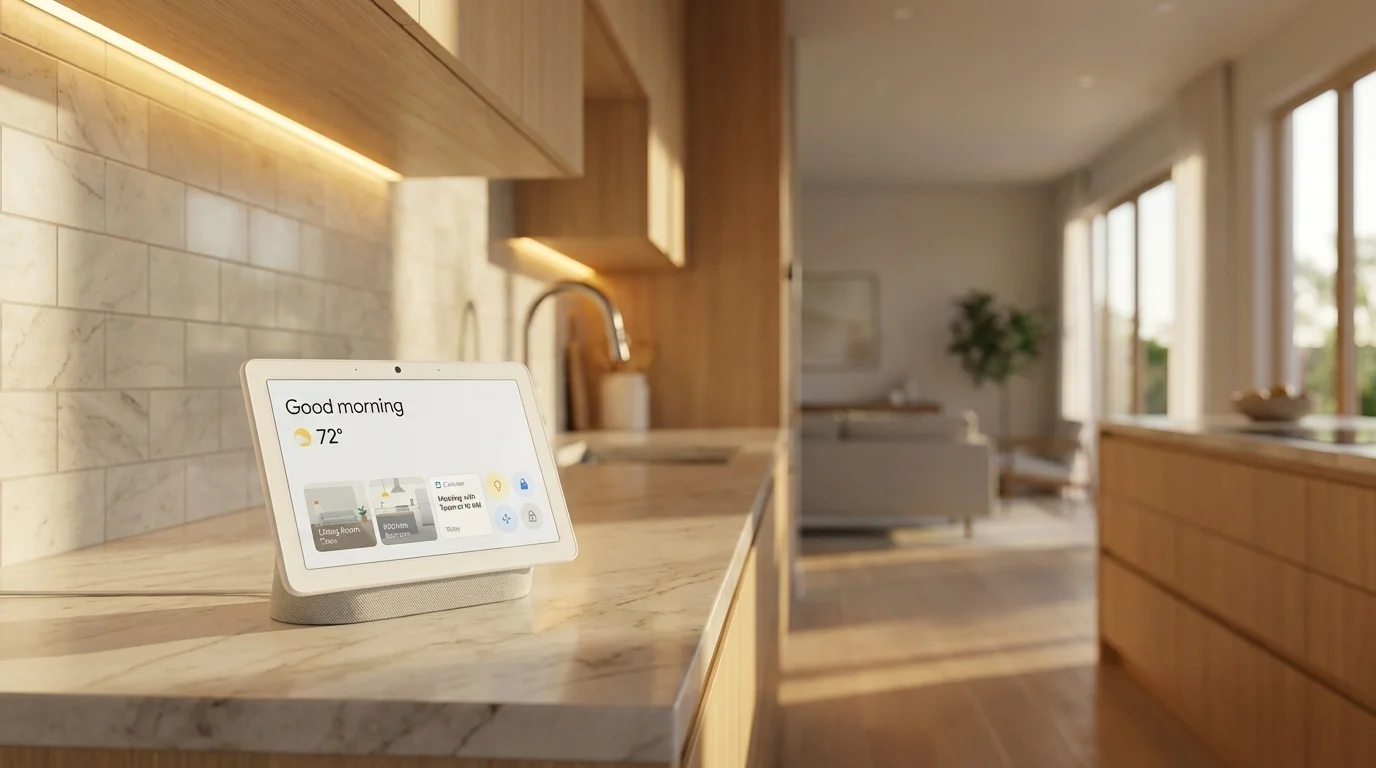
The Google Nest Hub Max is the most visually impressive hub in this guide. The 10-inch display with its camera-face-recognition feature (which auto-shows your personal dashboard when you approach) is something neither Amazon nor Apple has matched. For video calls, checking cameras, and ambient information display, it's the best screen in the smart home market.

Where it stumbles is protocol breadth. Unlike the Echo Hub, the Nest Hub Max has no built-in Zigbee radio. This means your entire smart home must be built around Wi-Fi and Thread devices — a reasonable constraint for new setups, but a dealbreaker if you have existing Zigbee sensors or Z-Wave locks. The Google Home app, while improved, still trails Alexa and HomeKit in automation depth and reliability.

For households already deep in Google's ecosystem — Android phones, Chromecast, Nest cameras — the Nest Hub Max is a natural command centre. For everyone else, the Echo Hub offers more compatibility at a lower price.

Pros

  • 10" HD display — best-in-class for video calls and camera monitoring
  • Thread border router built in — future-proof for Matter Thread devices
  • Google Assistant is excellent for natural language routines

Cons

  • No built-in Zigbee — requires separate hub for legacy devices
  • Google Home app has lagged behind Amazon and Apple in features
  • Limited local processing
Google Nest Hub Max specifications
ProtocolsThread · Matter · Wi-Fi
Voice AssistantsGoogle
Local ProcessingNo (cloud)
Max Devices100+
Monthly FeeNone
↑ Back to top
Google Nest Hub Max smart home hub
Best for Privacy

Hubitat

Hubitat Elevation

$149.95

The privacy-first, fully local hub — no cloud, no subscription, no data sharing. For advanced users who want complete control.

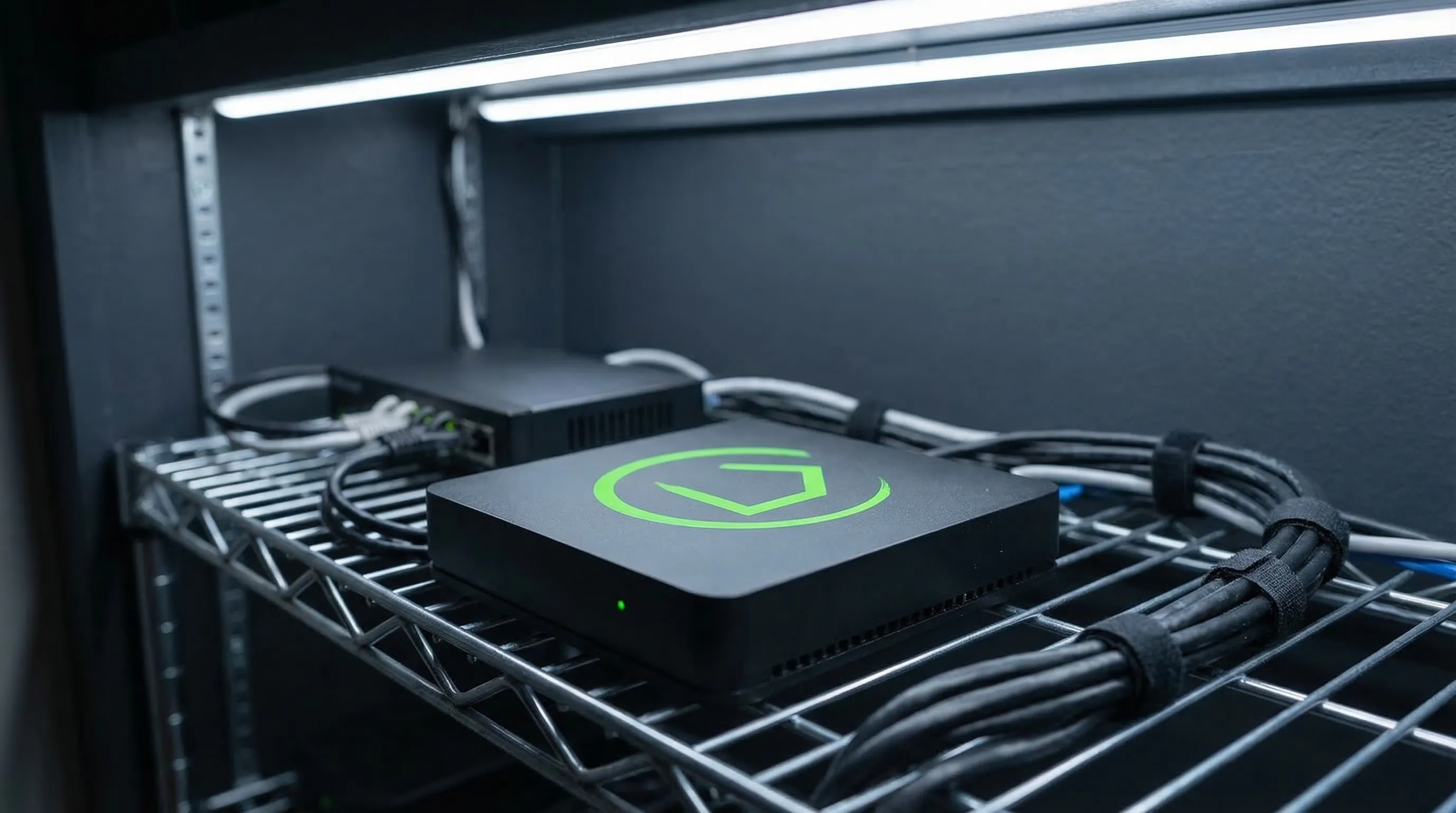
Hubitat Elevation exists for one reason: total control. If you have ever been frustrated by a cloud-dependent hub going offline, slowing down, or being discontinued by a tech company, Hubitat is the antidote. Everything runs locally on the device — automations execute in milliseconds, and your home keeps working during internet outages, server maintenance, or company acquisitions.

The price is complexity. Hubitat's UI is powerful but demanding. Setting up automations requires understanding concepts like "Rule Machine" and "Simple Automation Rules," and the interface has more in common with enterprise IT software than consumer electronics. That said, the Hubitat community is extraordinarily helpful — there are user-created apps and drivers for virtually every smart home device, often more comprehensive than the official integrations offered by competing platforms.

For privacy-conscious buyers and advanced users who want their smart home infrastructure to be genuinely theirs, Hubitat Elevation is the only serious option. For everyone else, the usability compromises are too steep.

Pros

  • 100% local processing — all automations run on-device, no cloud required
  • Zigbee and Z-Wave built in
  • No subscription, no data collection

Cons

  • Steep learning curve — designed for advanced users
  • No Thread or Matter support (yet)
  • Web-based UI feels dated compared to competitors
Hubitat Elevation specifications
ProtocolsZigbee · Z-Wave · Wi-Fi
Voice AssistantsAlexa, Google
Local ProcessingYes
Max Devices500+
Monthly FeeNone
↑ Back to top
Hubitat Elevation smart home hub
Best Budget

SwitchBot

SwitchBot Hub 2

$69.99

The best budget hub — adds Matter and IR blaster to older devices, ideal for renters and small apartments.

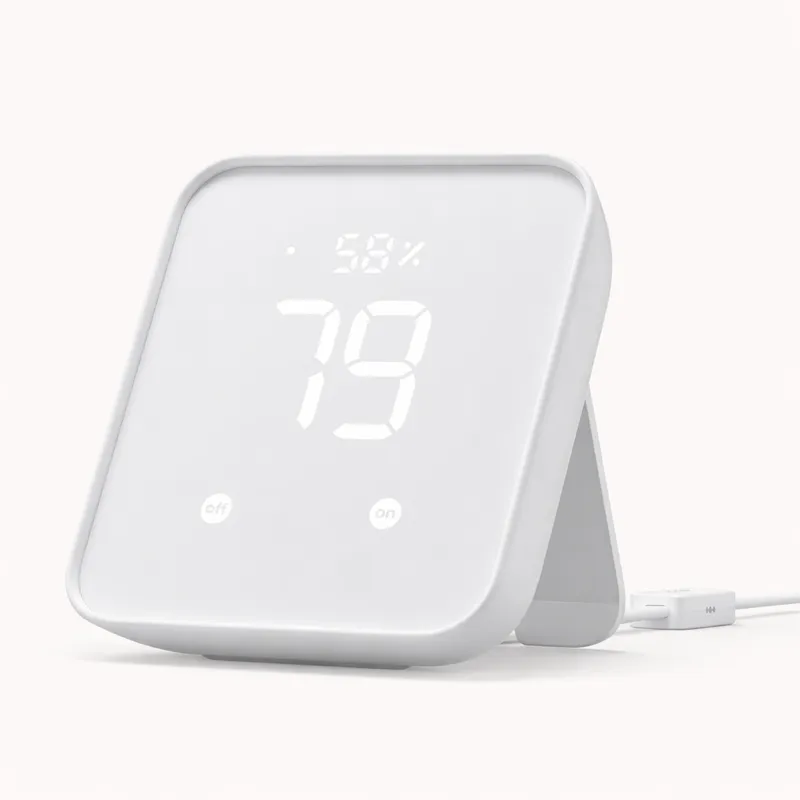
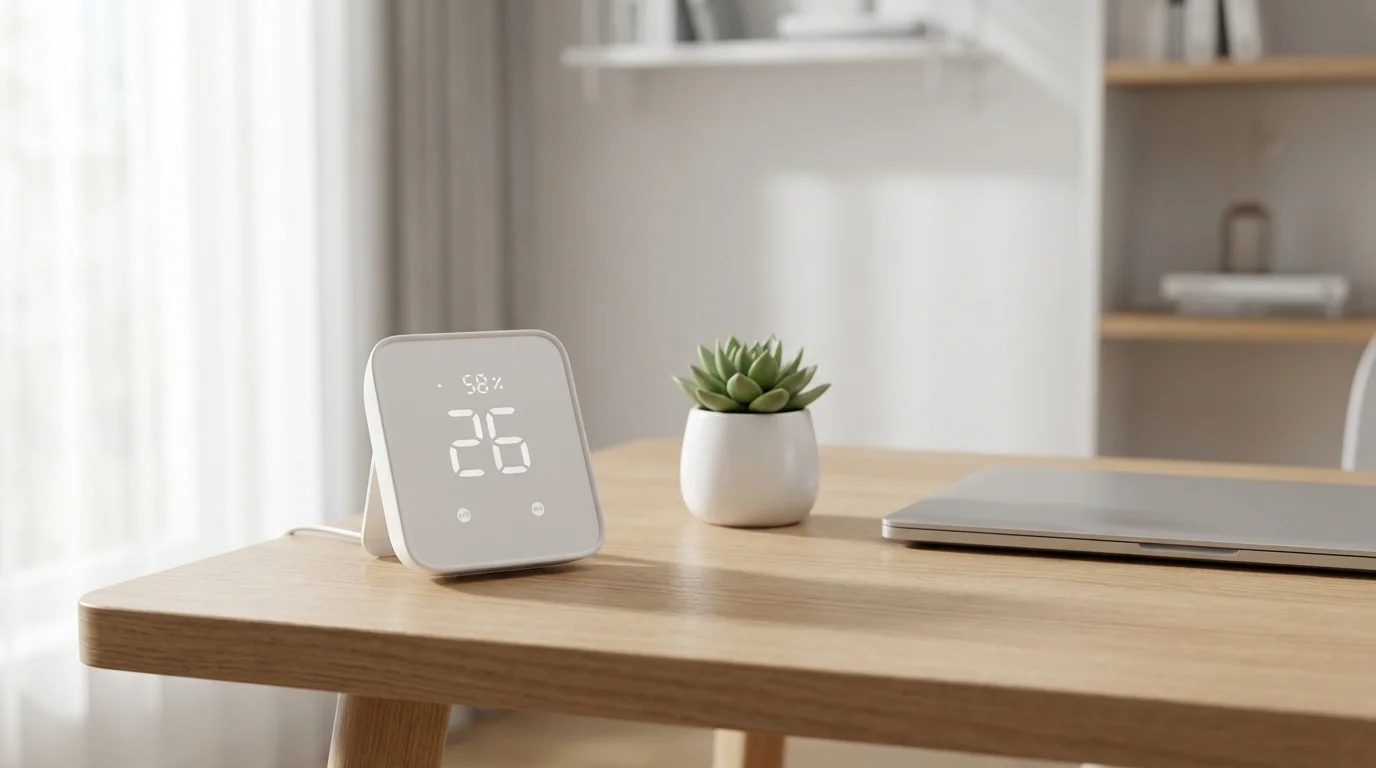
The SwitchBot Hub 2 is the ideal starting point for renters and small-apartment dwellers who want smart home functionality without a significant investment. At $69.99, it delivers Matter certification (meaning it works with Alexa, Google, and HomeKit), a built-in IR blaster for controlling older TVs and air conditioners, and even a temperature and humidity sensor — a remarkable feature set for the price.

The constraints are real: no Zigbee or Z-Wave means you're limited to SwitchBot's own product ecosystem plus generic Wi-Fi and Matter devices. The 30-device limit is sufficient for a one or two-bedroom apartment but constraining for larger homes. And like most budget hubs, it's cloud-dependent.

For someone setting up their first smart home — a few smart plugs, some SwitchBot curtain runners, and voice control for their TV — the Hub 2 is a low-risk, high-reward starting point. You can always upgrade to a more powerful hub later; your SwitchBot devices will still work alongside a SmartThings or Homey Pro hub.

Pros

  • Matter certified — works with Alexa, Google, and HomeKit
  • Built-in IR blaster to control TVs, ACs, and legacy IR devices
  • Built-in temperature and humidity sensor

Cons

  • No Zigbee or Z-Wave — limited to SwitchBot and Wi-Fi/Matter devices
  • 30-device limit suits small setups only
  • Cloud-dependent
SwitchBot Hub 2 specifications
ProtocolsMatter · Wi-Fi
Voice AssistantsAlexa, Google, HomeKit
Local ProcessingNo (cloud)
Max Devices30+
Monthly FeeNone
↑ Back to top
SwitchBot Hub 2 smart home hub

How We Evaluate Smart Home Hubs

Protocol coverage

We assess how many wireless protocols each hub supports natively — Zigbee, Z-Wave, Thread, Matter, Wi-Fi, and others. Broader protocol coverage means more device compatibility and a longer useful lifespan as the smart home landscape evolves.

Setup experience

We evaluate how long it takes to get from unboxing to first automation, and how many steps a non-technical user must complete. We penalise hubs that require port forwarding, command-line configuration, or multiple app sign-ins for basic functionality.

App quality

The hub app is your primary interface for years. We score apps on: reliability (does it crash?), automation power (can it do what you want?), visual quality (is it intuitive?), and cross-platform availability (iOS and Android).

Value for money

A $399 hub is only good value if it meaningfully outperforms the $70 alternative for your specific use case. We compare hubs against alternatives at similar price points and assess total cost of ownership including required accessories.

Long-term support

Smart home hubs are infrastructure — they should last 5+ years. We consider the manufacturer's history of platform changes, the size and activity of the user community, and whether the hub has an active development roadmap.

Complete Your Setup

Accessories that pair perfectly with your new hub.

Philips Hue Starter Kit

Works with Echo Hub, SmartThings, Homey Pro

View on Amazon ↗

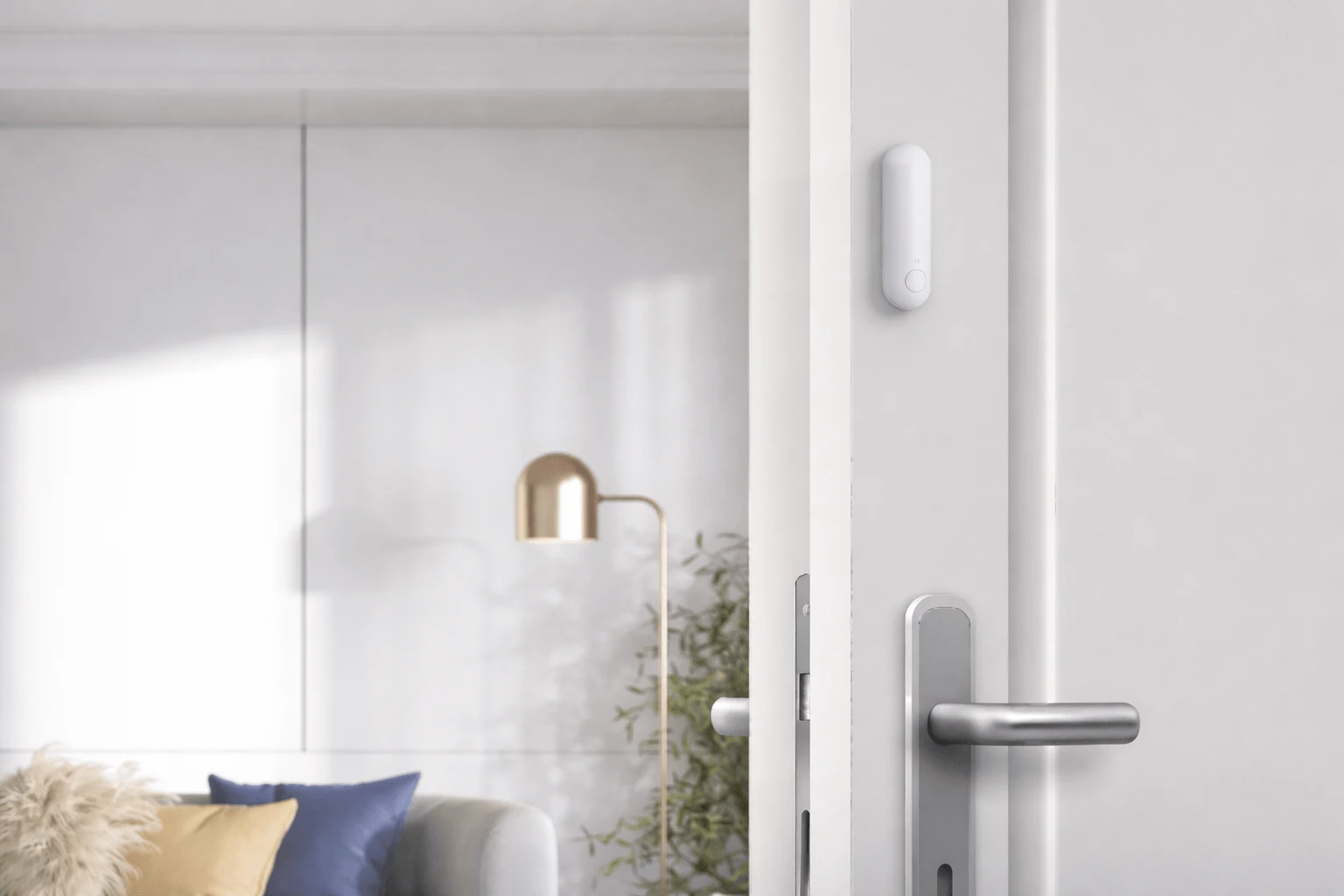
Aqara Door Sensor

Works with Aqara Hub, SmartThings, Homey Pro

View on Amazon ↗

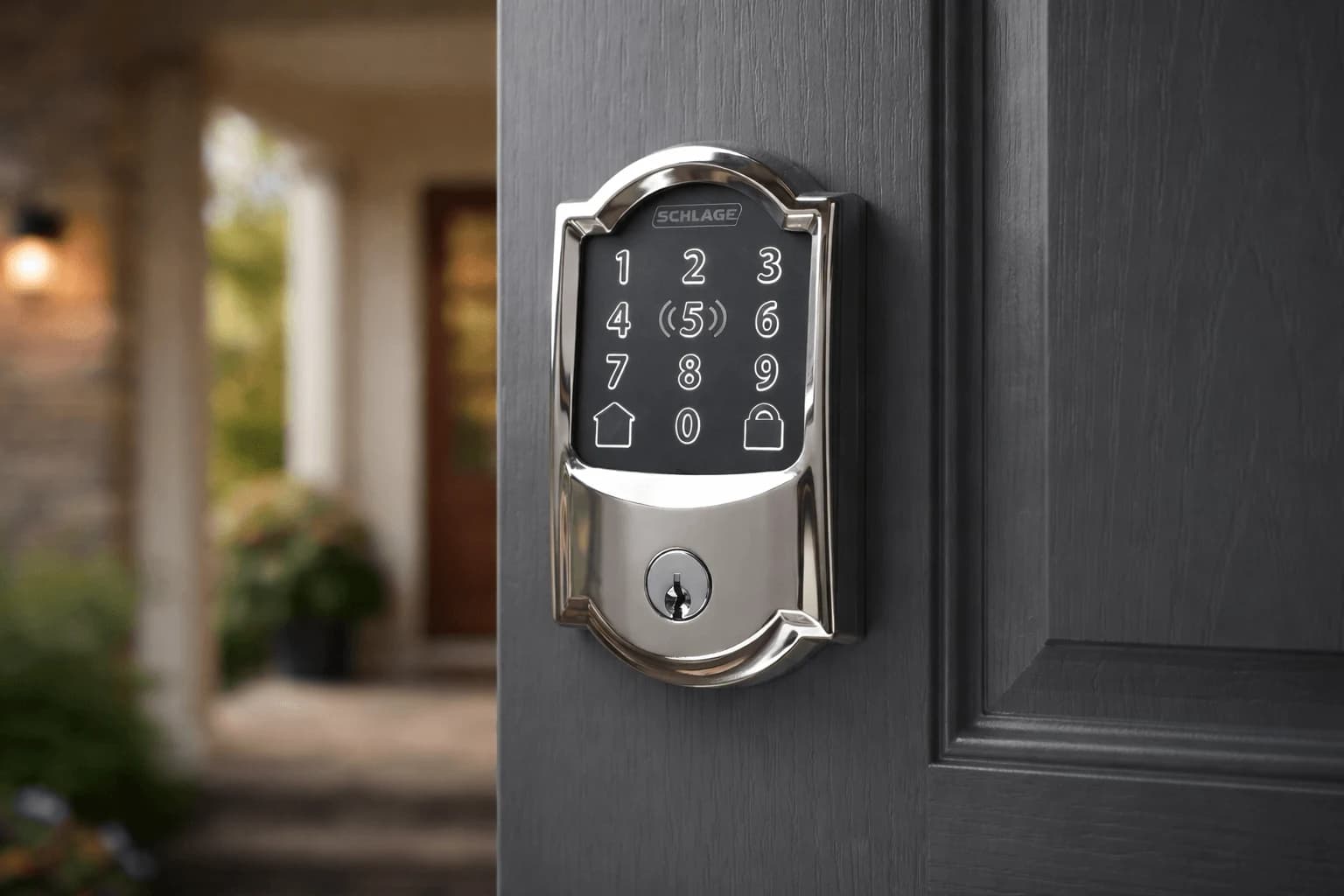
Schlage Encode Smart Lock

Works with Echo Hub, SmartThings, HomeKit

View on Amazon ↗

Buyer's Guide FAQ

Common questions from smart home buyers.