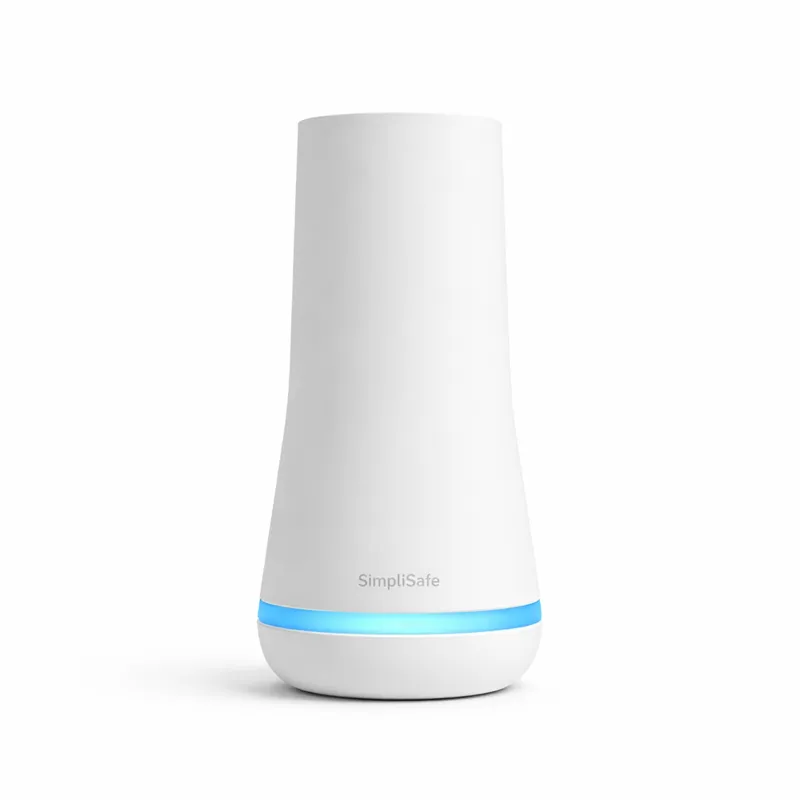
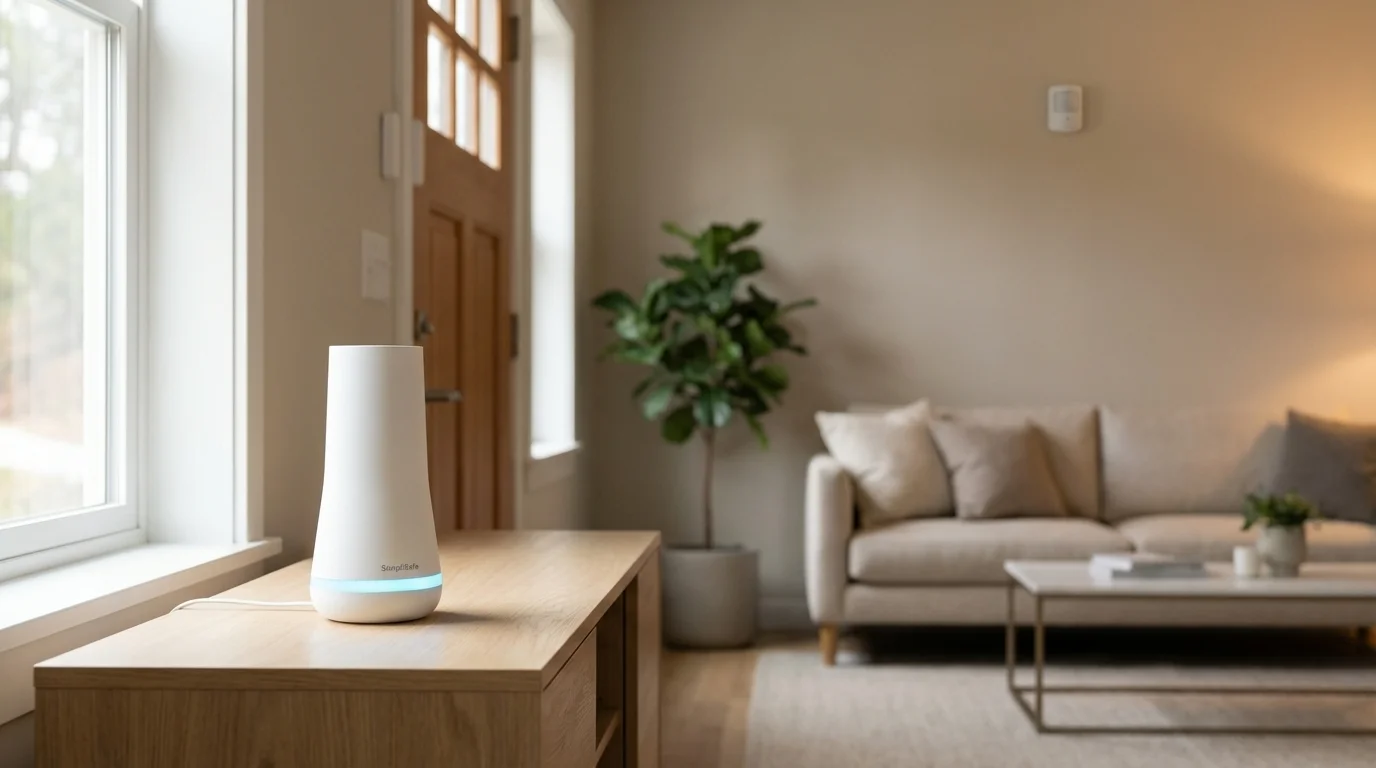
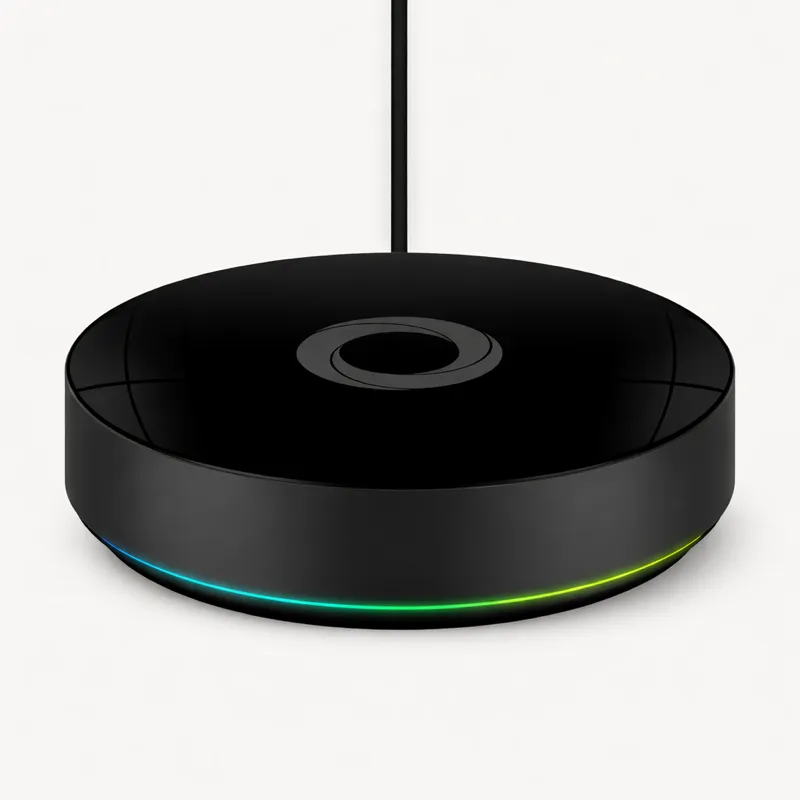
The no-subscription security hub — a fully functional local alarm with a 100dB siren and 24-hour battery backup, no monthly fee required.
The SimpliSafe Base Station is the most accessible home security hub in its category: no required subscription, tool-free installation designed for rental properties, and a system architecture built around the assumption that local, independent operation matters as much as cloud-connected features. In a security hub market increasingly dominated by subscription-required products, SimpliSafe's commitment to subscription-optional operation is a genuine differentiator.
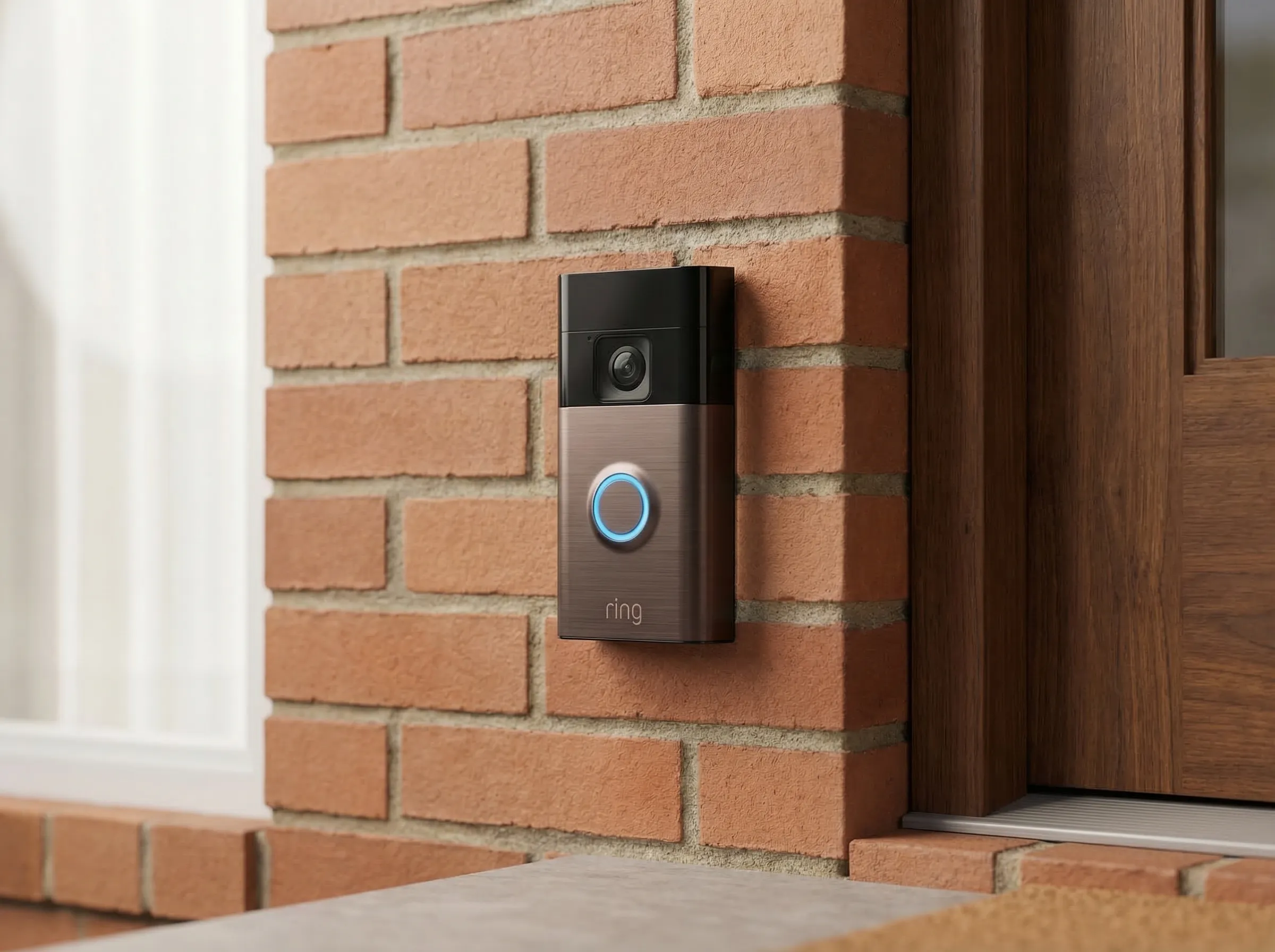
The subscription model is the headline argument for SimpliSafe. Where Ring Alarm requires a Ring Protect Basic plan ($3.99/month) for app-based arm/disarm and push notifications on all new purchases since March 2023, SimpliSafe provides a functioning local alarm system out of the box at zero ongoing cost. The 100dB siren sounds locally when a breach is detected, the keypad controls arming and disarming, and the 24-hour rechargeable battery backup keeps the system operational through power and internet outages. Optional professional monitoring starts at $9.99/month — it is genuinely optional, not quietly essential for basic functionality.
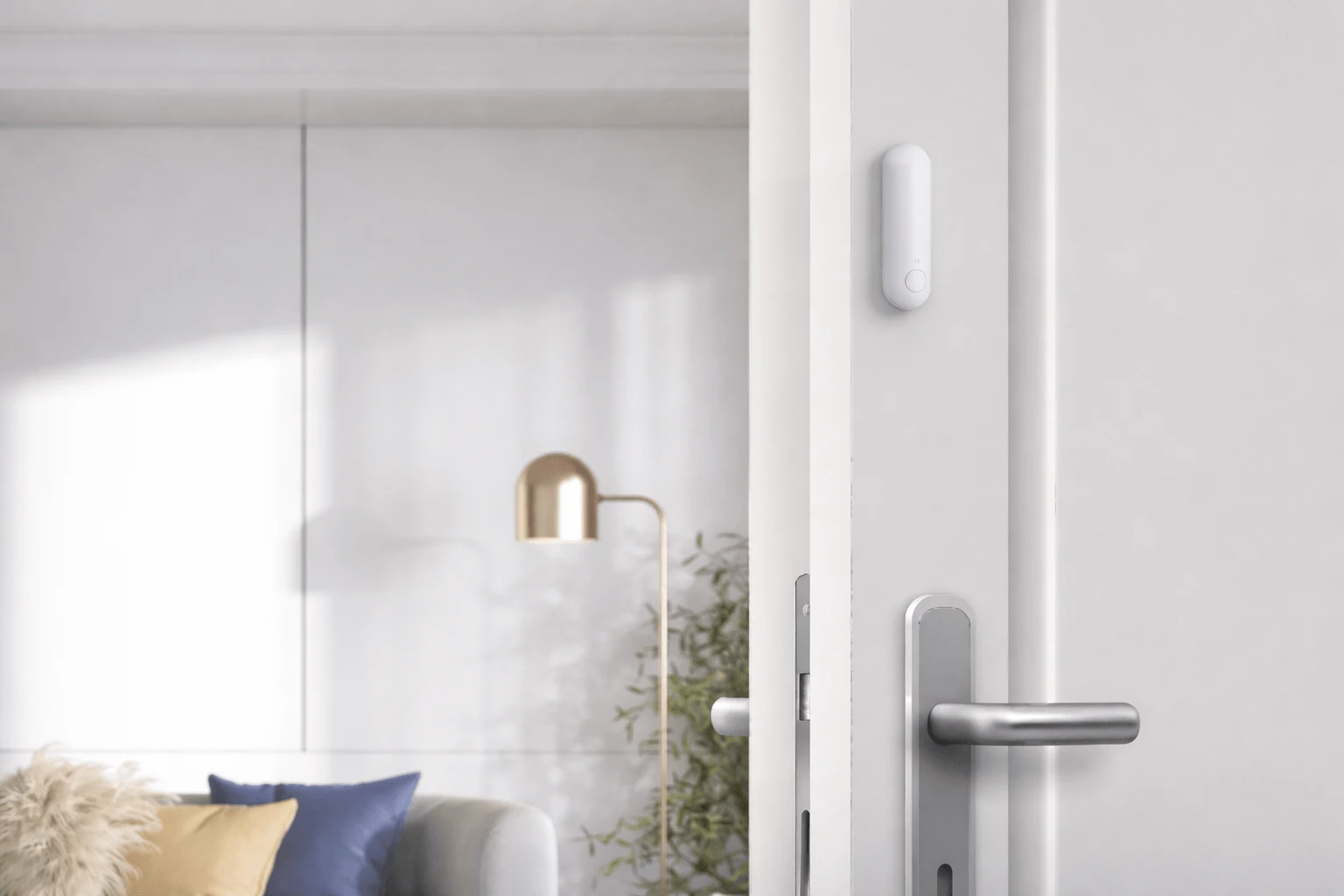
The hardware design reflects a deliberate choice to prioritise renters and first-time security buyers. No tools required, no wiring, no drilling. Each sensor uses a peel-and-stick mounting system with a mounting plate that separates cleanly from adhesive pads. When you move out, every component removes without wall damage and reinstalls in your next home in an afternoon. The base station itself plugs into a wall outlet. For renters who have historically been excluded from the security hub market by installation requirements, SimpliSafe's design is a meaningful architectural choice.
The sensor ecosystem is proprietary but comprehensive. SimpliSafe uses a 433/868MHz RF protocol for its sensors — incompatible with Zigbee, Z-Wave, or Matter — which means you cannot mix and match with sensors from other brands. In exchange, you get a sensor line designed specifically for SimpliSafe's alarm use cases: entry sensors, motion detectors, glass break sensors, smoke and CO detectors, water sensors, freeze sensors, and indoor cameras, all with the same peel-and-stick mounting system and guaranteed compatibility with the base station. For buyers focused on home security rather than broader smart home automation, the proprietary ecosystem covers all relevant sensor categories.
The 24-hour battery backup is more significant than it initially appears. Most home security incidents are not correlated with simultaneous internet outages, but some are. Power cuts, deliberate infrastructure interference, and storm-related outages can accompany the same events that trigger security responses. A system that continues operating for 24 hours without mains power and without internet connectivity is meaningfully more resilient than one that fails when either drops. SimpliSafe's optional cellular backup — available with the standard monitoring plan — extends this to maintain contact with the monitoring centre during internet outages.
Voice assistant integration is limited. Amazon Alexa integration supports status checks and arm/disarm commands for subscribers with qualifying monitoring plans. Google Home and Apple HomeKit are not supported. This makes SimpliSafe the most ecosystem-neutral of the security hubs in this guide outside the Amazon integration, but also means advanced smart home households cannot use SimpliSafe alarm state as a trigger for broader automation sequences without going through a third-party bridge.
The Home Assistant integration is worth specific mention for technically inclined users. SimpliSafe V3 systems — all hardware sold from 2018 onward — have an official Home Assistant cloud integration that exposes the alarm panel, motion sensors, entry sensors, smoke/CO detectors, glass break sensors, and water sensors to HA automations. Sensor state polls every 30 seconds — adequate for most automation scenarios. This is cloud-dependent, not local, but it meaningfully extends SimpliSafe for anyone running Home Assistant as their primary automation platform. You can use SimpliSafe arm state to unlock a smart lock, trigger arrival lighting, or alert when a specific sensor trips.
At $129.99 for the base station, SimpliSafe is priced competitively. SimpliSafe runs 50% discount promotions consistently — the real cost of a starter kit (base station, keypad, and a handful of sensors) typically ranges from $150 to $250 depending on the promotion, compared to $249.99 for the Ring Alarm Pro before any sensors are added. Over three years, the subscription-optional model also saves $144–$432 in monthly fees versus Ring's comparable monitoring subscription structure.
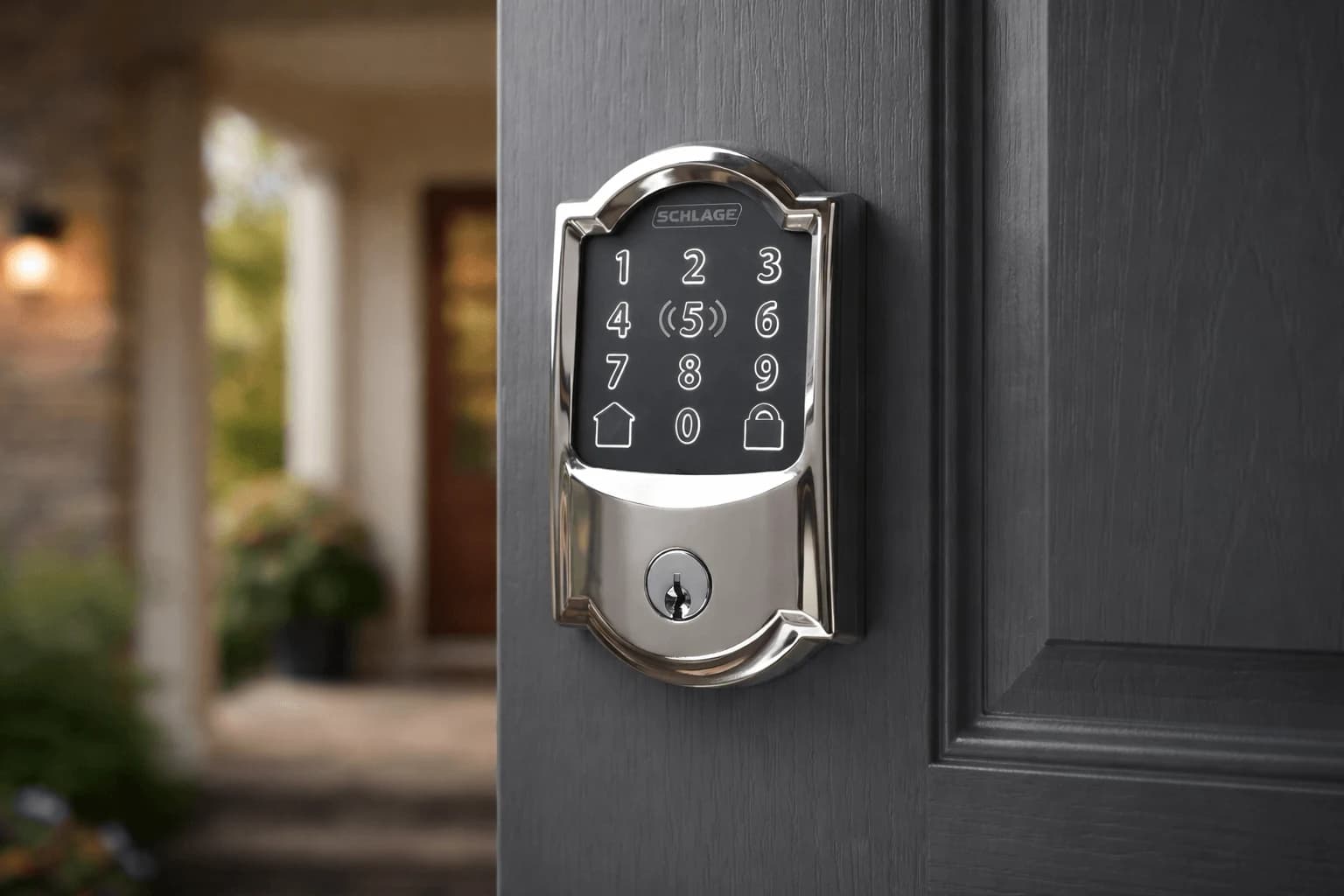
The SimpliSafe Base Station is the right answer for renters who want a portable, damage-free security installation, buyers who want subscription-optional operation with a local alarm that works independently of internet connectivity, households focused on security rather than broader smart home integration, and Home Assistant users who want a polished security sensor layer with official HA integration. It is the wrong answer for buyers who need Z-Wave smart lock integration alongside their security hub, households wanting Matter compatibility, and users who want a single device that covers both security and general smart home automation.