HomeControlHub

Sector guide

Best Hubs for Smart
Lighting Control

Updated March 2026HomeControlHub editorial team

From dedicated lighting bridges to full multi-protocol hubs — everything you need to choose the right controller for Philips Hue, IKEA, Matter, and beyond.

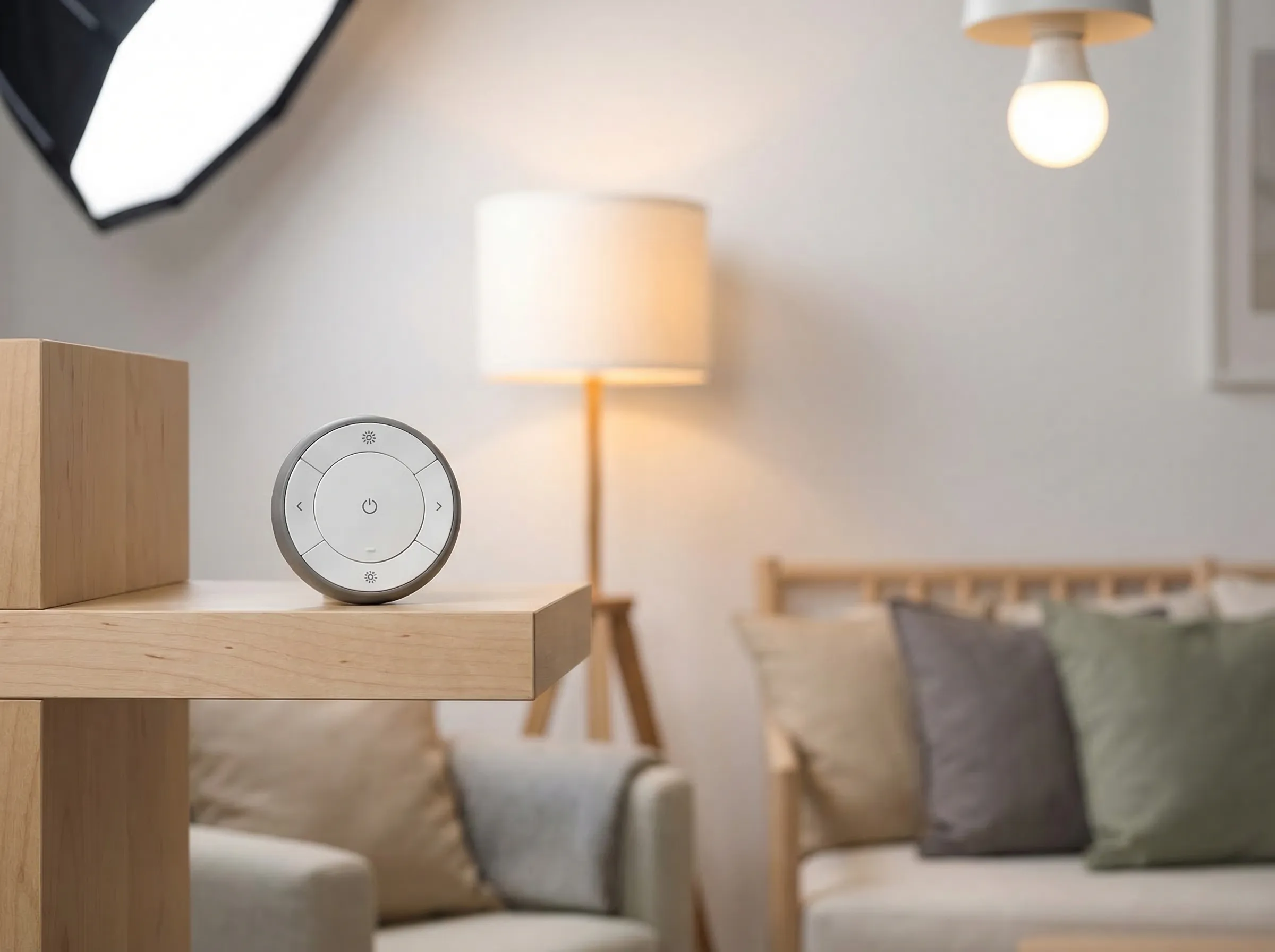
Modern living room lit by smart LED bulbs

Not sure which hub is right for you?

Answer 8 questions and get a personalized setup plan with cost estimate and installation roadmap.

Build my plan →

The dedicated lighting hub

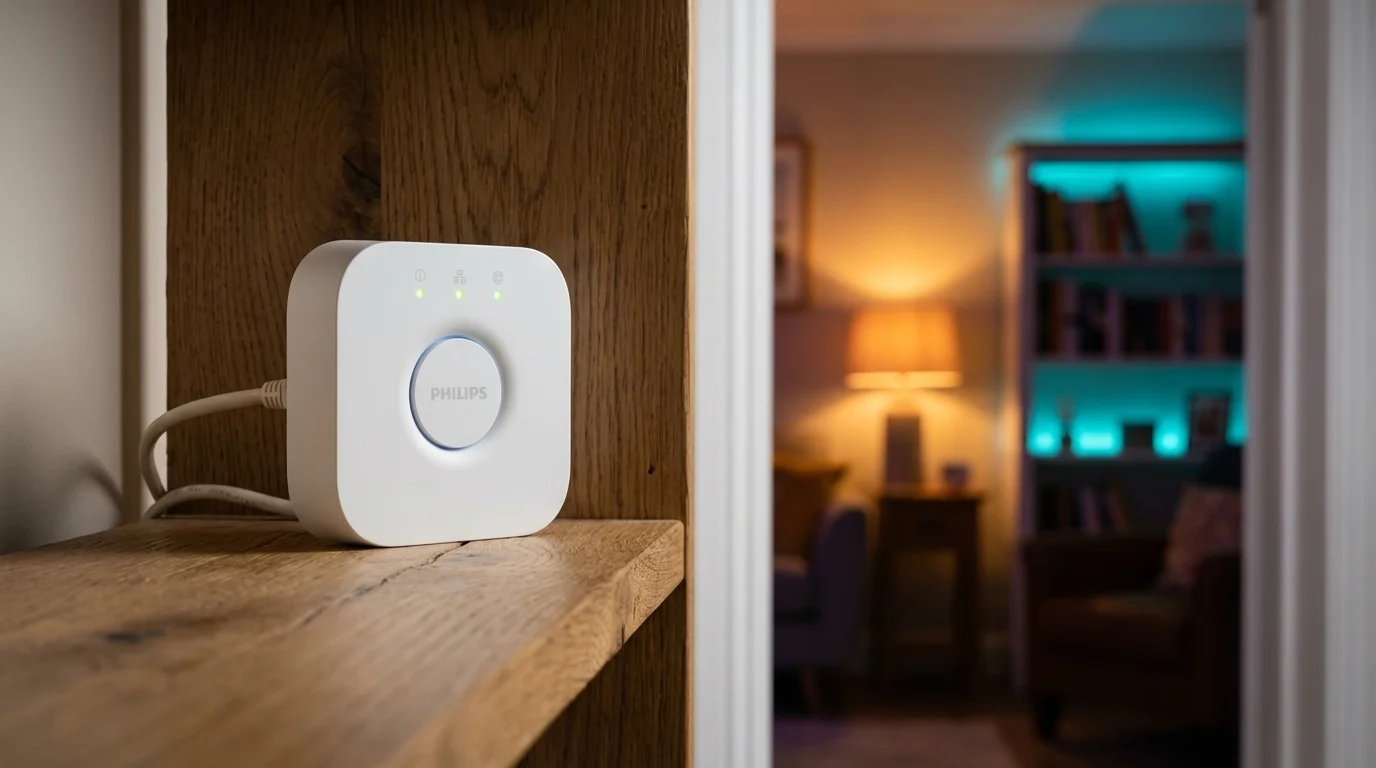
Philips Hue Bridge

8.2/ 10

$34.99 · Best Lighting Hub

Bottom line

Required to unlock the full Hue experience — local automations, rooms, scenes, and Matter certification that works across Alexa, Google, and HomeKit simultaneously.

The essential hub for any serious Philips Hue setup — Matter-certified, fully local, and compatible with Alexa, Google, and HomeKit. Does lights. Nothing else.

The Philips Hue Bridge is not a general-purpose smart home hub — and that is precisely the point. It is the best dedicated lighting hub on the market, built exclusively to manage Philips Hue lights with exceptional reliability, full local processing, and the most mature residential lighting automation ecosystem available. For anyone building a serious Philips Hue lighting setup, the Bridge is required infrastructure, not optional hardware.

The distinction between Hue-with-Bridge and Hue-without-Bridge matters and is widely misunderstood. Hue bulbs can pair directly via Bluetooth to the Hue app, and casual users often run this way for months without noticing the limitations. But Bluetooth Hue operates in a restricted mode: no rooms or zones, no dynamic scenes, no schedules, no motion-triggered automations, no remote access, and a maximum of ten devices paired per phone. The Bridge unlocks all of this — and runs it locally, without cloud dependency. Your Hue scenes execute at the same speed whether your internet is up or down, and your schedules fire without Amazon or Google's servers being involved.

Matter certification arrived in September 2023 as a generally available firmware update — not beta, not preview, fully deployed to all current Hue Bridge v2 hardware. The practical implication is significant: your Hue lights now appear natively across Amazon Alexa, Apple HomeKit, and Google Home simultaneously, without needing separate bridge apps or ecosystem-specific setup steps. In the pre-Matter era, choosing your voice assistant meant committing your Hue setup to one platform permanently. Matter ended that constraint. You can control the same lights through Siri in the kitchen and Alexa in the bedroom, with both platforms reading the same device state.

The Hue ecosystem's depth is difficult to overstate. Hue produces over 400 products in the current lineup: A19 and BR30 bulbs in every colour temperature, LED strips, recessed downlights, outdoor path and flood lights, Gradient Lightstrips that project ambient colour onto walls, Bloom accent lamps, and the Hue Play HDMI Sync Box for entertainment lighting sync. All of this connects to and is orchestrated by the Bridge. The accessories ecosystem extends to motion sensors, dimmer switches, smart buttons, and wall plates that are among the most reliable and well-designed smart home accessories available.

The proprietary Zigbee profile is an important technical distinction. The Hue Bridge uses a Hue-specific Zigbee variant that is not compatible with standard Zigbee 3.0 devices from other manufacturers. Your IKEA sensors, Aqara door contacts, and Sonoff plugs will not pair with the Bridge. This architectural choice is deliberate — it gives Hue its consistency and reliability advantage but means the Bridge is for lights, and a separate hub handles everything else. For a dedicated lighting hub, this is an expected constraint rather than a limitation.

Physical setup requires an Ethernet connection to your router — there is no Wi-Fi option on the standard Hue Bridge. In practice this is invisible to most users, since the bridge connects to the router in your network closet or entertainment centre and is never touched again. The soft limit of 50 Hue lights covers the vast majority of residential installations.

The Hue app is one of the highest-rated smart home apps in both the Apple App Store and Google Play. The interface is well-designed, scenes and schedules are easy to create, and the automation system covers the most common lighting use cases: sunrise and sunset triggers, motion-activated lights with dimming delays, colour temperature adjustments through the day, and entertainment scene sync. Hue Entertainment — which syncs lighting to video content via the HDMI Sync Box — is a genuinely differentiated capability unavailable on any competing lighting platform.

At $34.99, the Philips Hue Bridge is the lowest entry point for a serious smart home infrastructure component in this entire guide — a price that belies its importance as the hub for one of the most capable consumer lighting ecosystems available. Hue bulbs cost more per unit than Zigbee alternatives from IKEA or Sengled, but system reliability, colour accuracy, scene quality, and long-term firmware support justify the premium for buyers who care about their lighting environment.

The Philips Hue Bridge is the right answer for anyone building a Philips Hue lighting setup — it is required for full functionality. It is the wrong answer for anyone wanting a general smart home hub, users seeking a single device for both lighting and security, and buyers who want to coordinate Zigbee devices from multiple brands under one controller.
Pros

  • Matter-certified — works natively across Alexa, Google Home, and Apple HomeKit simultaneously
  • Fully local control — automations and schedules run on the bridge without cloud dependency
  • Required for full Hue feature access: rooms, scenes, schedules, and motion-triggered automations

Cons

  • Lighting only — cannot connect locks, sensors, thermostats, or other smart home categories
  • Ethernet-only — requires a wired connection to your router; no Wi-Fi option on the standard bridge
  • Limited to Hue-certified devices — will not pair with standard Zigbee sensors or third-party bulbs
Philips Hue Bridge specifications
ProtocolsMatter
Voice AssistantsAlexa, Google, HomeKit
Local ProcessingYes
Max Devices50+
Monthly FeeNone
Back to top
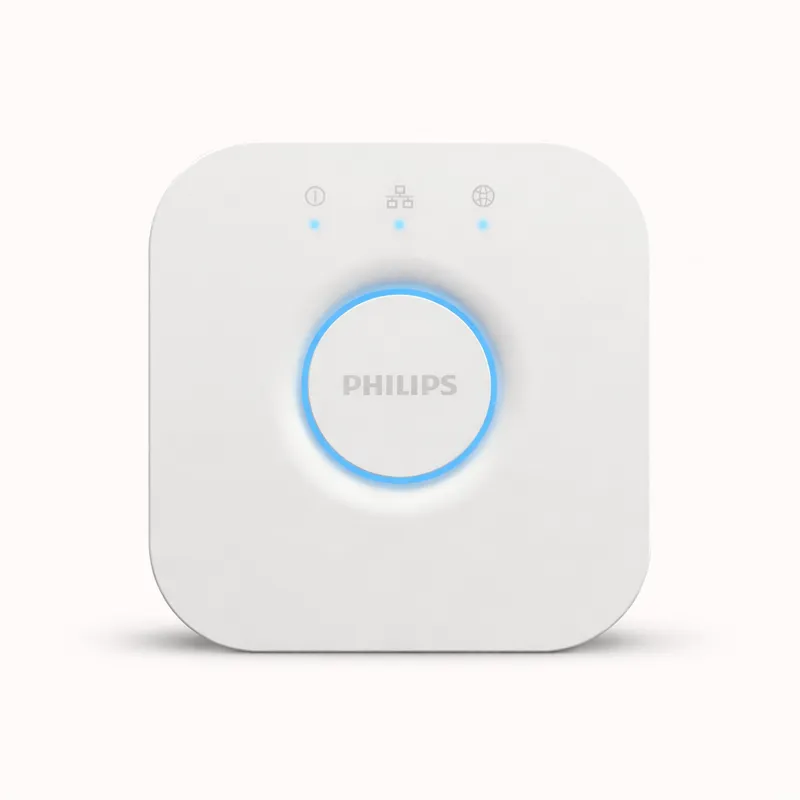
Philips Hue Bridge smart lighting hub
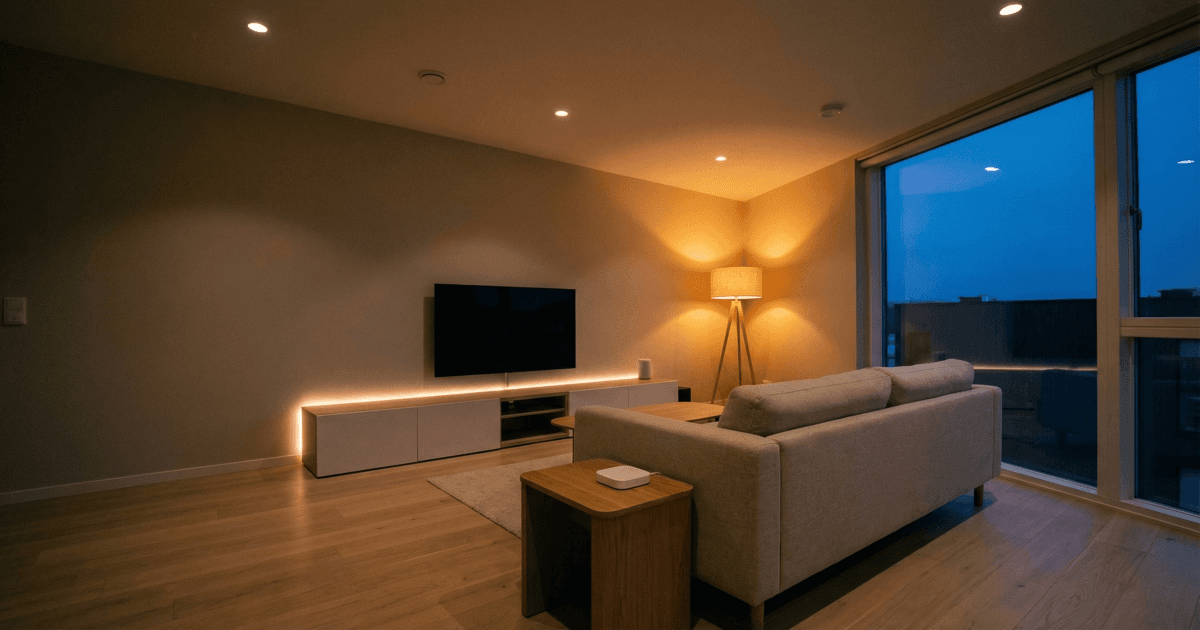
Philips Hue Bridge in a smart home setting
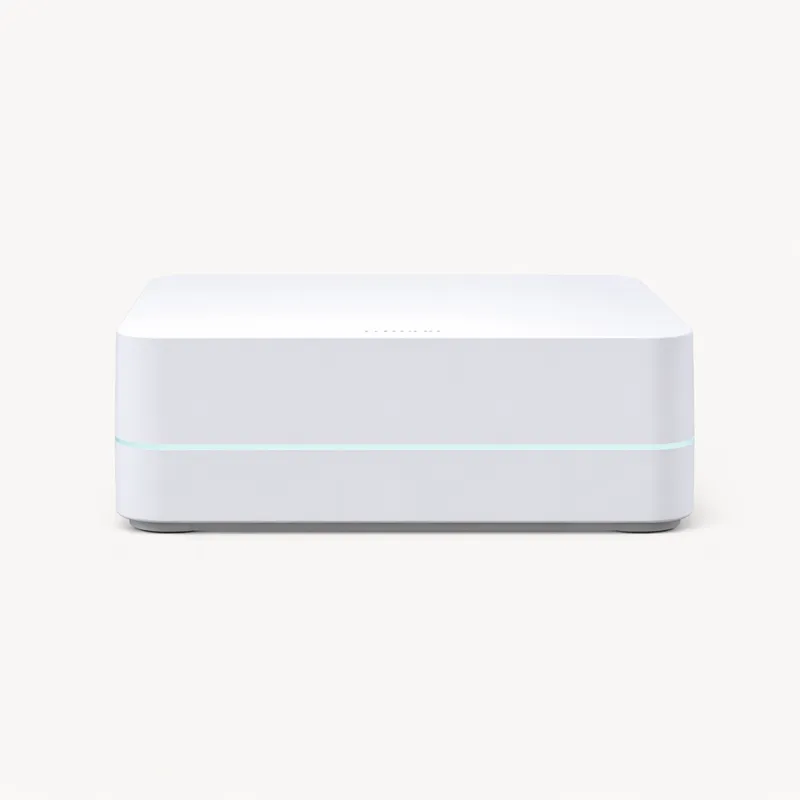
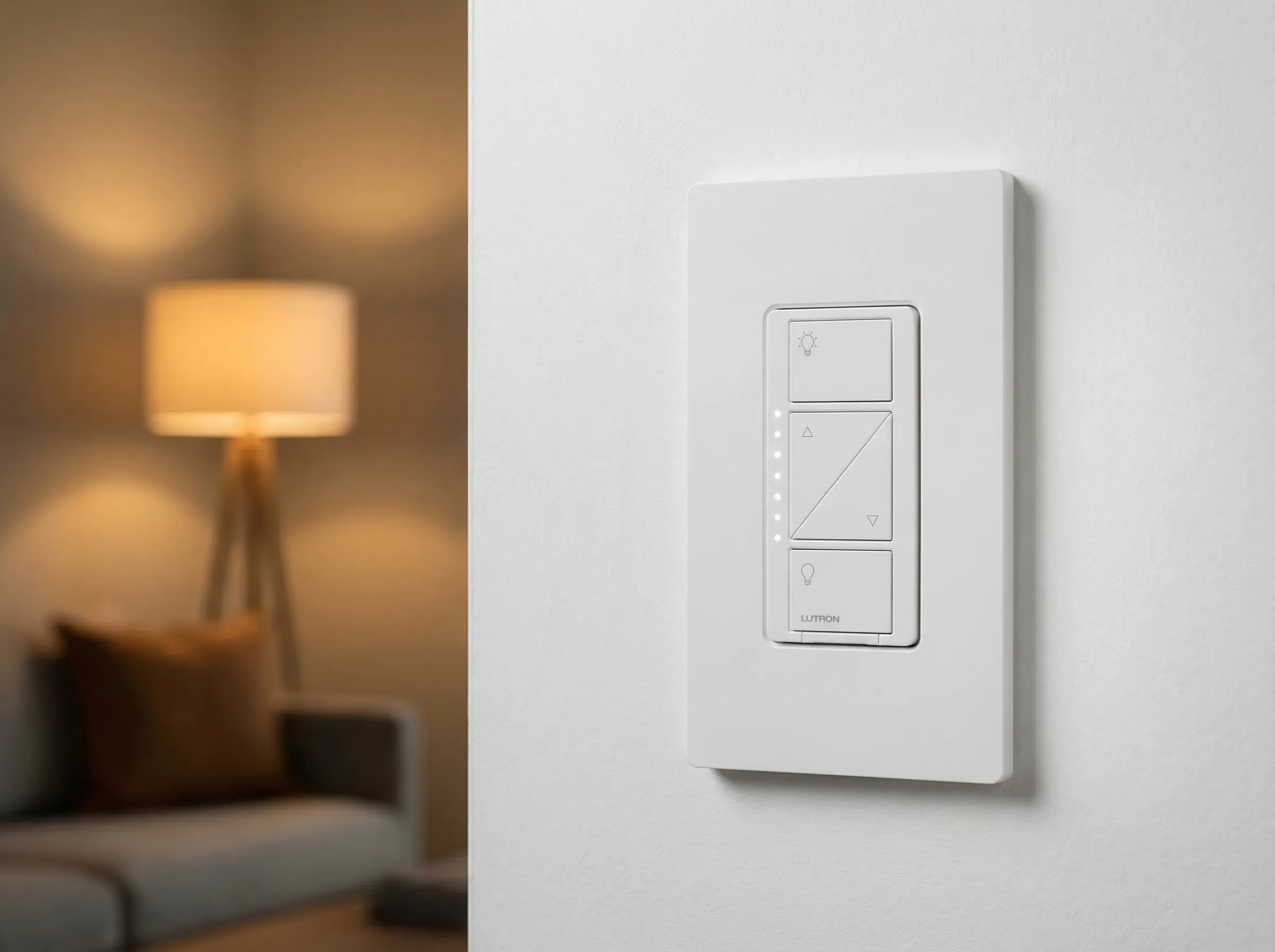
Lutron Caséta Smart Hub smart lighting hub
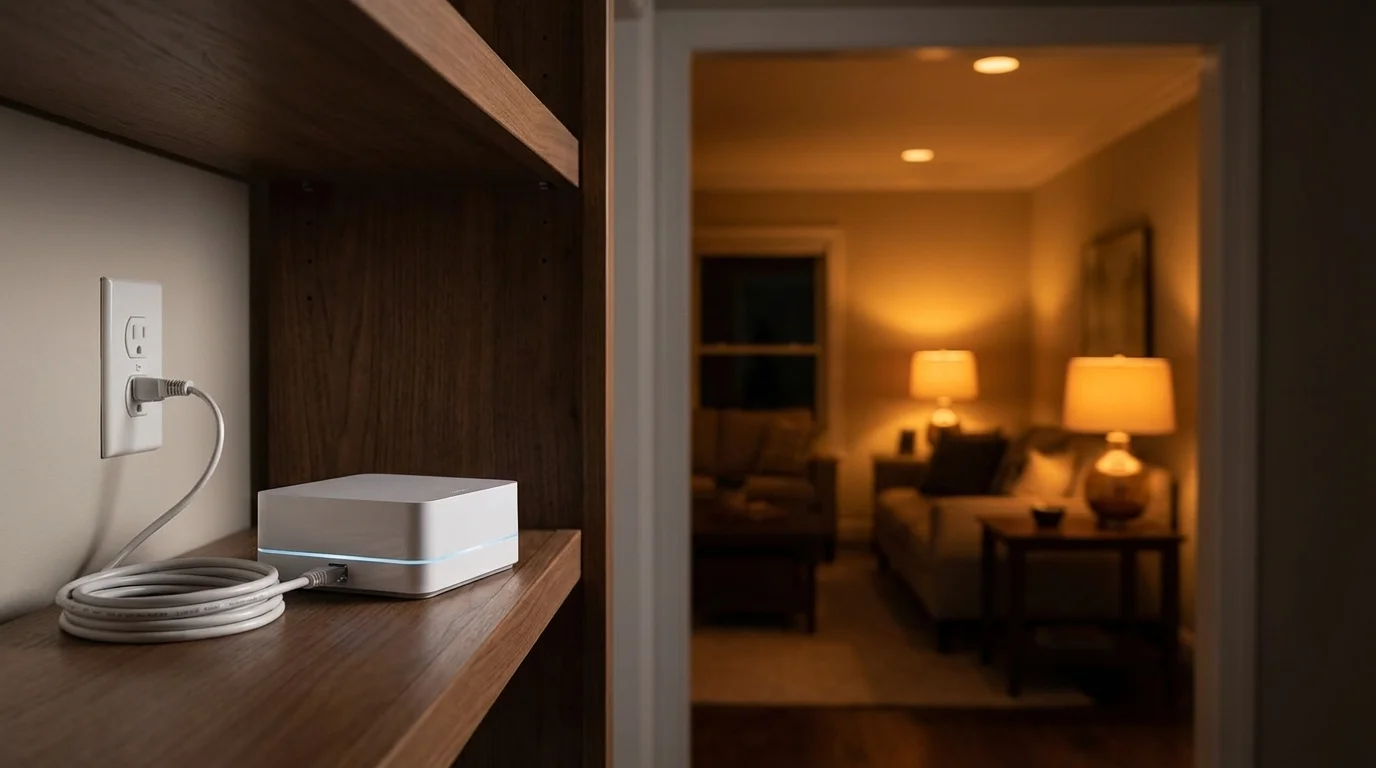
Lutron Caséta Smart Hub in a smart home setting

Best for switches & dimmers

Lutron Caséta Smart Hub

8.0/ 10

$89.95 · Best for Switches & Dimmers

Bottom line

The most reliable in-wall smart lighting system available — Clear Connect RF delivers fewer dropouts than Zigbee or Z-Wave, at a higher per-device cost.

The most reliable smart lighting hub — Lutron's Clear Connect RF technology delivers faster, more consistent control of in-wall switches and dimmers than any competing protocol.

The Lutron Caséta Smart Hub is the definitive choice for anyone building a smart lighting system around in-wall switches and dimmers — the category of smart lighting that most general-purpose hubs handle inconsistently and Lutron handles better than any competitor in the market. In a landscape where smart home hubs promise broad compatibility, the Caséta Smart Hub commits to doing one specific thing with exceptional reliability, then opens up to the broader ecosystem through integrations rather than native multi-protocol radios.

The core technical advantage is Clear Connect, Lutron's patented 434MHz radio technology. Unlike Zigbee (operating at 2.4GHz) and Z-Wave (800–900MHz), Clear Connect operates on a less congested frequency range with a proprietary protocol designed exclusively for lighting devices. The practical result is a system with notably fewer connectivity failures, faster response times, and significantly less RF interference than competing protocols — particularly relevant in dense apartment buildings and urban homes where the 2.4GHz spectrum is saturated with neighbouring Wi-Fi networks. Lutron's documentation cites sub-100ms command latency from hub to switch, and real-world usage reflects this: Caséta switches turn on when you tap them. Not usually. Not almost always. Every time.

The device ecosystem is deliberately closed — and deliberately premium. Lutron Caséta dimmers cost $30–$60 per switch compared to $10–$25 for comparable Zigbee dimmers from IKEA or SONOFF. You are buying the reliability and engineering quality of a company that has been building commercial lighting controls for decades. The Caséta PRO and RA2 product lines serve commercial buildings where lighting failure is not acceptable; the residential Caséta line inherits the same engineering culture at a consumer price point. For people who want their smart switches to work with the consistency of a standard light switch — which is the standard smart home lighting should be held to — the premium is justified.

The Smart Hub connects exclusively to Lutron Caséta devices. It does not act as a Zigbee coordinator, a Z-Wave controller, or a Matter hub. This architectural choice preserves the system's reliability advantage — by controlling precisely what devices connect, Lutron maintains full control over the protocol stack and can validate performance across every configuration. The trade-off is a closed ecosystem you run alongside a separate general-purpose hub rather than replacing one. The intended architecture for a full smart home using Caséta: Lutron Smart Hub handles all lighting, a second hub handles locks, sensors, thermostats, and cameras.

Ecosystem integration at the API layer is the Smart Hub's most underappreciated feature. The Caséta platform has official integrations with more third-party systems than any competing lighting hub: Amazon Alexa, Apple HomeKit, Google Home, Ring, Samsung SmartThings, Sonos, Ecobee, Nest, and dozens of custom integrations for home automation platforms including Hubitat and Home Assistant. Add a Caséta Smart Hub to a Hubitat setup and your dimmers appear natively in Hubitat's device list with full dimming and scene support. Add it to Home Assistant and the native Lutron Caséta integration gives you full device control without any third-party bridge. This depth means the Smart Hub functions as a reliable lighting backend that any general-purpose hub can use — not a competing platform.

The 75-device limit covers most US residential installations comprehensively. A four-bedroom house with switches and dimmers in every room, common areas, exterior lights, and garage sits well within this limit. The Serena shades integration extends the hub to motorised blinds using the same reliable Clear Connect protocol, adding automated shade control to the lighting system without a separate motorised blind hub.

Setup is straightforward. The hub connects via a short Ethernet cable to your router, the Lutron app discovers it automatically, and adding devices follows a guided pairing sequence. The Pico Remote — a battery-powered wireless remote that uses Clear Connect directly — is one of the most reliable smart home accessories available. It communicates with the hub without Wi-Fi, has a battery life measured in years, and provides tactile physical control for people who prefer not to use voice commands or phone apps. Lutron bundles Pico Remotes with most Caséta starter kits.

At $89.95 for the hub, the Caséta entry cost is modest. The ongoing investment is per-switch: $30–$60 per dimmer adds up in a house with 20+ light circuits. The total cost of a whole-house Caséta installation is $700–$1,500 in hardware alone — a premium compared to a Zigbee-based approach, but a reasonable comparison to mid-tier hardwired commercial lighting systems given the reliability track record.

The Lutron Caséta Smart Hub is the right answer for anyone who wants reliably fast in-wall smart lighting with no connectivity failures, buyers building lighting-focused smart homes who plan to run a second general-purpose hub alongside it, and households that prioritise integration breadth at the platform layer. It is the wrong answer for buyers seeking a single all-in-one hub for their entire smart home, and anyone whose primary device category is not in-wall switches and dimmers.

Pros

  • Clear Connect RF delivers faster, more reliable lighting response than Zigbee or Z-Wave
  • Integrates with Alexa, Google, HomeKit, Ring, SmartThings, Sonos, and Ecobee natively
  • Works alongside any general-purpose hub — Lutron handles lighting, your hub handles everything else

Cons

  • Lutron Caséta devices only — no Zigbee, Z-Wave, or third-party device support
  • Ethernet-only; hub must be near your router (cable included)
  • Caséta switches and dimmers cost more than Zigbee alternatives
Lutron Caséta Smart Hub specifications
ProtocolsWi-Fi
Voice AssistantsAlexa, Google, HomeKit
Local ProcessingNo (cloud)
Max Devices75+
Monthly FeeNone
Back to top

Multi-protocol picks

Best General Hubs for Lighting

Need a hub that handles lighting plus locks, sensors, and security? These all-rounders excel at smart lighting control while covering the rest of your home too.

Amazon Echo Hub
Best Overall

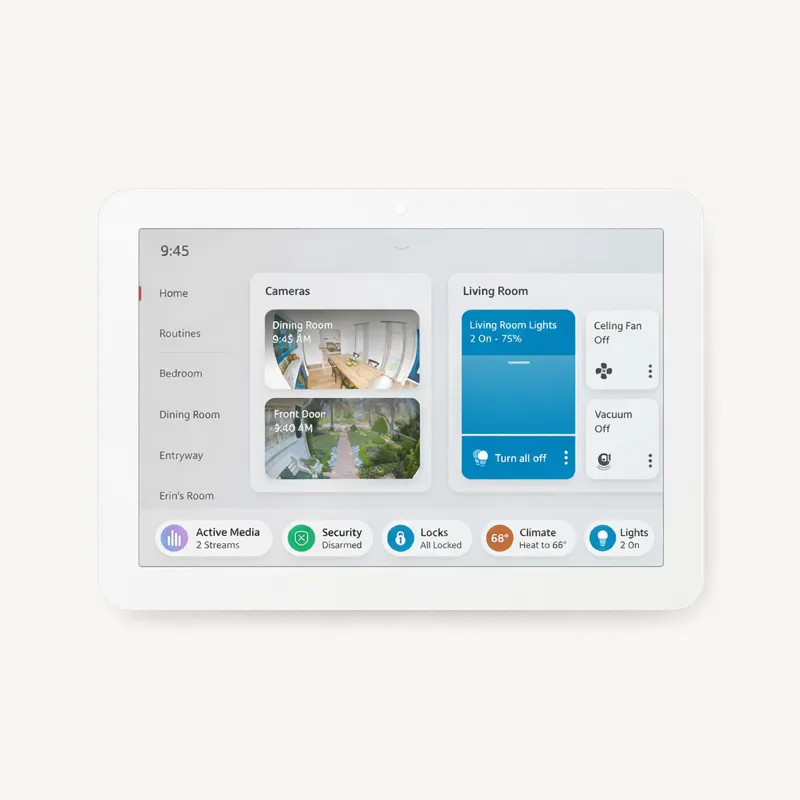
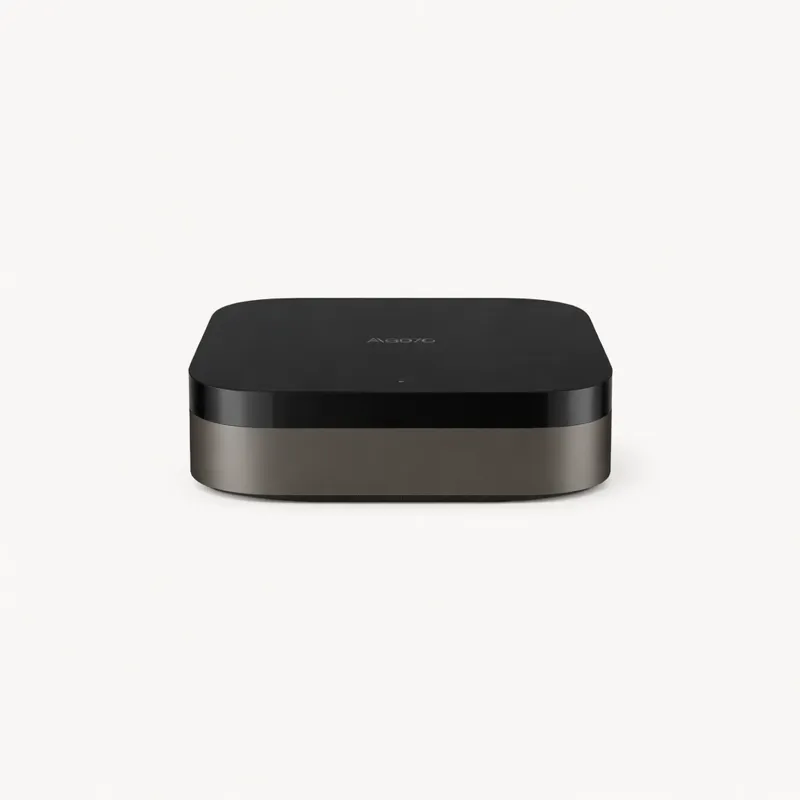
Amazon Echo Hub

Amazon

$179.99

The best all-round hub for Alexa households — easy setup, broad compatibility, and a genuinely useful 8" touchscreen.

rentersalexa

Pros

  • Built-in Zigbee and Matter radio — no separate hub needed
  • 8" touchscreen dashboard shows cameras, routines, and device controls
  • Works with 100,000+ Alexa-compatible devices

Cons

  • Alexa-only ecosystem — limited Google Home and HomeKit integration
  • Cloud-dependent; loses some features if internet goes down
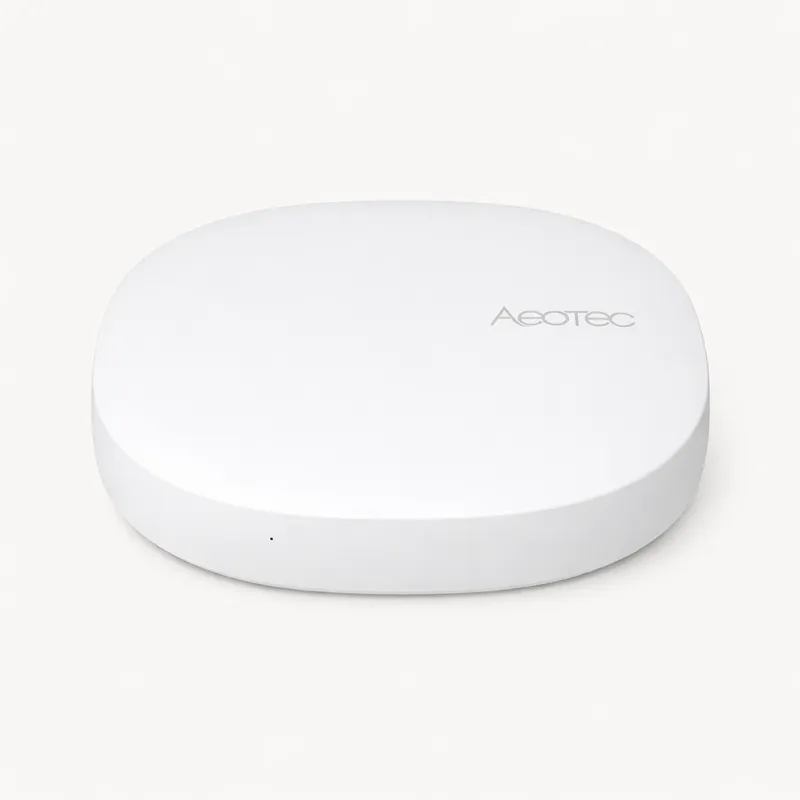
Aeotec Smart Home Hub
Best for Power Users

Aeotec Smart Home Hub

Aeotec

$149.99

The official SmartThings hub replacement — Zigbee, Z-Wave, and Matter in one box, running the same platform Samsung recommends.

power users

Pros

  • Zigbee, Z-Wave, and Matter in one hub — broadest protocol coverage at this price
  • Runs the SmartThings platform — the most powerful smart home app available
  • Local execution for supported devices — automations survive internet outages

Cons

  • No built-in Thread radio (Matter works over Wi-Fi/Ethernet only)
  • SmartThings app is powerful but notoriously complex for new users
Aqara Hub M3
Best for Apple

Aqara Hub M3

Aqara

$89.99

The best HomeKit hub — Matter over Thread support, Zigbee built in, and the cleanest Apple ecosystem integration available.

appleprivacy

Pros

  • Best HomeKit hub — native HomeKit, Thread border router, and Zigbee in one
  • Local processing via HomeKit Secure Video and HomeKit architecture
  • Works as a standalone Zigbee hub for non-HomeKit setups too

Cons

  • No Z-Wave support
  • Primarily Apple-ecosystem focused
Homey Pro
Best for Large Homes

Homey Pro

Athom

$399

The most powerful hub on the market — supports every major protocol plus Infrared and 433MHz. Premium price for premium capability.

power usersprivacy

Pros

  • Supports Zigbee, Z-Wave, Thread, Matter, IR, and 433MHz in one device
  • Homey app is the best-designed hub app on the market
  • Full local processing — no cloud dependency

Cons

  • $399 price tag is a significant commitment
  • Overkill for smaller or simpler setups

All four hubs support native Zigbee — the protocol used by most smart bulbs. SmartThings and Homey Pro add Z-Wave for in-wall switch and dimmer control. All four are Matter-certified for cross-ecosystem lighting compatibility.

Complete your setup

Lighting Accessories That Pair Well

Philips Hue Starter Kit (3 Bulbs + Bridge)

Philips Hue Starter Kit (3 Bulbs + Bridge)

Hue BridgeEcho HubSmartThings
Best starter kit for Zigbee lighting
Lutron Caséta In-Wall Dimmer (2-pack)

Lutron Caséta In-Wall Dimmer (2-pack)

Lutron CasétaHomeKitAlexa
Most reliable in-wall smart dimmer
IKEA TRÅDFRI Smart Bulb E26 (4-pack)

IKEA TRÅDFRI Smart Bulb E26 (4-pack)

Echo HubSmartThingsHomey Pro
Best budget Zigbee bulbs

Buyer's guide

Smart Lighting Protocols Explained

Your bulb's wireless protocol determines which hub you need — or whether you need one at all.

Zigbee

Most smart bulbs

Hub required

The dominant protocol for smart bulbs. Low-power mesh network that hops signals between bulbs for whole-home coverage. Requires a hub with a Zigbee radio.

Examples: Philips Hue, IKEA TRÅDFRI, Aqara, Sengled, OSRAM

Matter

Universal standard

Thread border router needed

The new cross-ecosystem standard backed by Apple, Amazon, Google, and Samsung. Matter bulbs work across all four platforms simultaneously — no re-pairing needed.

Examples: Eve Light Strip, Nanoleaf, TP-Link Tapo (select)

Wi-Fi

No hub required

Works standalone

Connects directly to your router — the simplest setup. No bridge or hub needed for basic control. Most models require the manufacturer's cloud and a working internet connection.

Examples: LIFX, Govee, TP-Link Kasa, Wyze

Z-Wave

Switches & dimmers

Hub required

Less common for bulbs, but the standard choice for smart in-wall switches and dimmers. 800–900MHz band avoids 2.4GHz congestion. Long range, excellent mesh reliability.

Examples: GE/Jasco, Leviton, Zooz, HomeSeer

FAQ

Smart Lighting
FAQ

Find Your Best Hub

30-second quiz · free