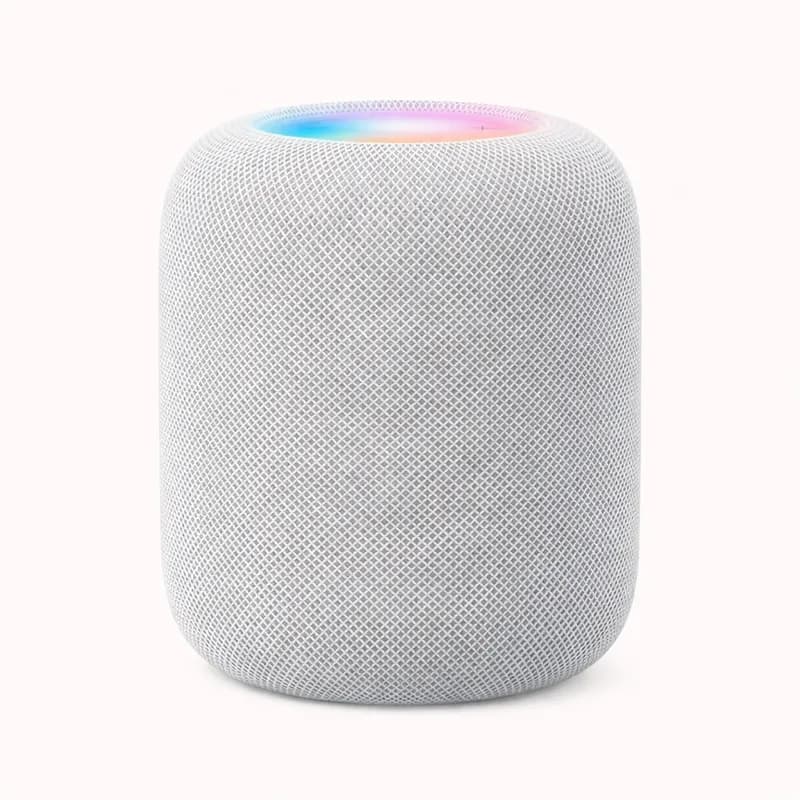
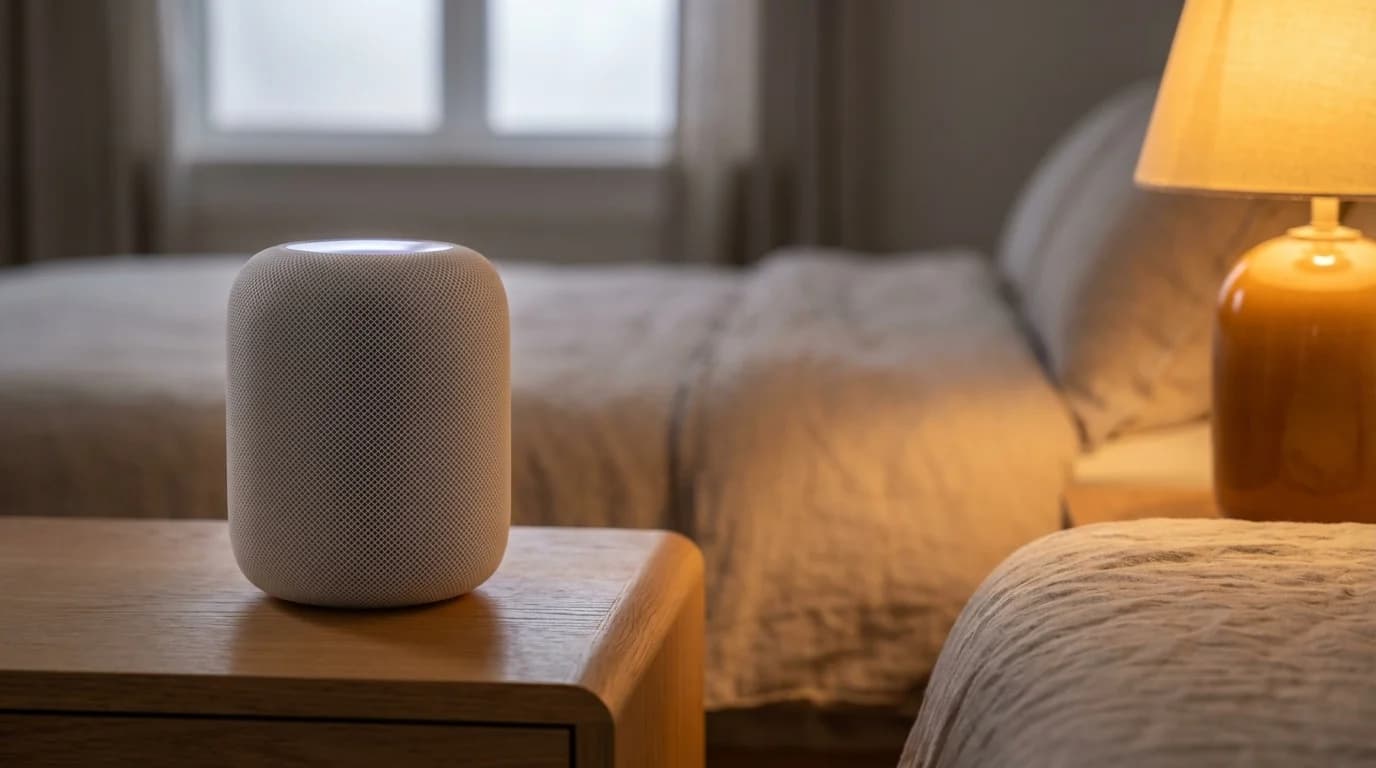
The Apple HomePod (2nd generation) is the definitive smart home hub for Apple households who refuse to compromise on audio quality. Where the original HomePod was an excellent speaker strapped to a mediocre hub, the second generation achieves both properly — it is simultaneously one of the best smart speakers available in its price range and a fully capable HomeKit home hub with Thread border router built in. If you are in an iPhone household and want a device that handles both music and smart home control elegantly, this is the product Apple has been building toward.
The built-in sensors are what genuinely differentiate the HomePod 2 from every other hub in this guide. Temperature and humidity readings are available natively in the Apple Home app, letting you create automations that trigger your thermostat, fans, or motorised blinds based on actual room conditions — without any additional accessories. The sound recognition feature — which detects when a smoke alarm or carbon monoxide detector sounds in the room and sends an alert to your iPhone — is the kind of ambient safety layer that makes a smart home genuinely useful rather than just convenient.
As a Thread border router, the HomePod 2 serves a long-term infrastructure role. Thread is the low-power mesh networking protocol that Apple has integrated into HomeKit as the preferred protocol for battery-powered Matter devices. Running the HomePod 2 as a Thread border router means new Matter-over-Thread accessories added to your home benefit from local mesh networking, giving them faster response times and better reliability than Wi-Fi-only devices. The more Thread-capable accessories you have, the more this network effect compounds over time.
The HomeKit home hub function is the operational backbone of an Apple smart home. A HomeKit home hub is required to enable away-from-home control, time-based automations, and location-triggered routines. The HomePod 2 handles this role while sitting on your shelf, doubling as a Siri endpoint and speaker. Most Apple households running HomeKit should have at least one active home hub device; the HomePod 2 is the best-sounding and most capable single option for that role.
The audio quality is not incidental — it is a core value driver at this price. The HomePod 2's spatial audio processing and Apple's custom audio chipset produce room-filling sound that outperforms competing smart speakers at the $299 price point. Pair two HomePod 2 units for true stereo or AirPlay 2 multi-room audio, and the result is a speaker system that most dedicated audio setups cannot improve on without spending considerably more. For households that use smart speakers primarily as music playback devices, the HomePod 2 solves both the speaker and the hub problem in one device.
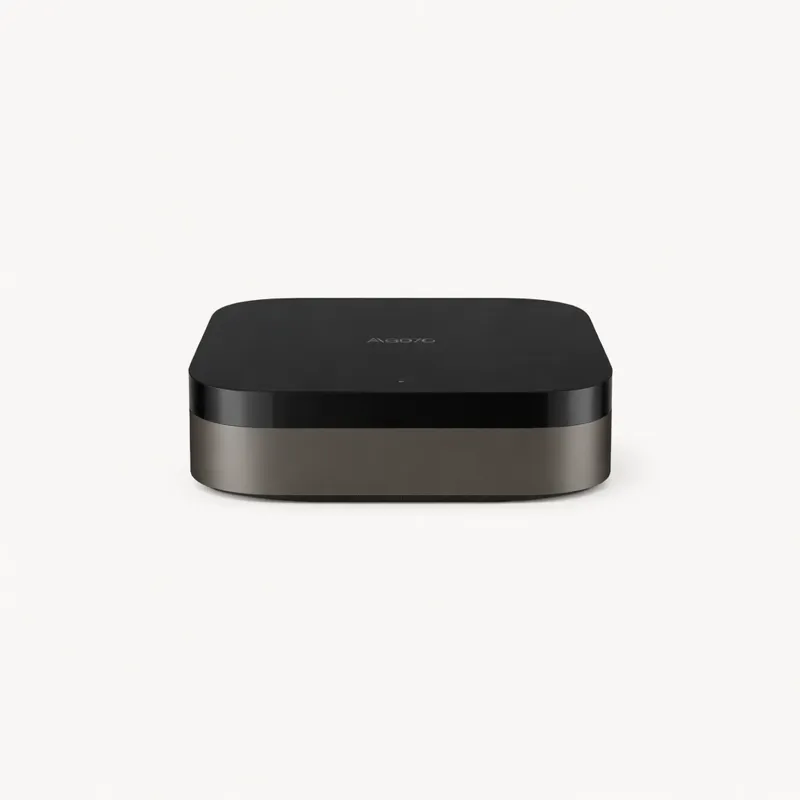
The limitations are clear and Apple makes no pretence about them. The HomePod 2 is an Apple-only device. No Zigbee radio, no Z-Wave, and no Google Home or Alexa compatibility. Device control is entirely through the Apple Home app or Siri. If you want to control Zigbee sensors or Z-Wave locks through the HomePod 2, you need a separate Zigbee hub — the Aqara Hub M3 is the natural companion. The HomePod 2 functions as a home hub and Thread border router, not as a Zigbee coordinator.
At $299, the HomePod 2 is the most expensive single-unit hub in this guide apart from the Homey Pro. Compared to the Aqara Hub M3 ($89.99), which provides Zigbee plus Thread in an Apple-compatible package for $210 less, the HomePod 2's price premium is justified only if the audio quality matters. And for many Apple households, it does — the HomePod 2 replaces a separate Bluetooth or AirPlay speaker while handling hub duties, and the net cost comparison shifts when you account for a speaker you would otherwise buy.
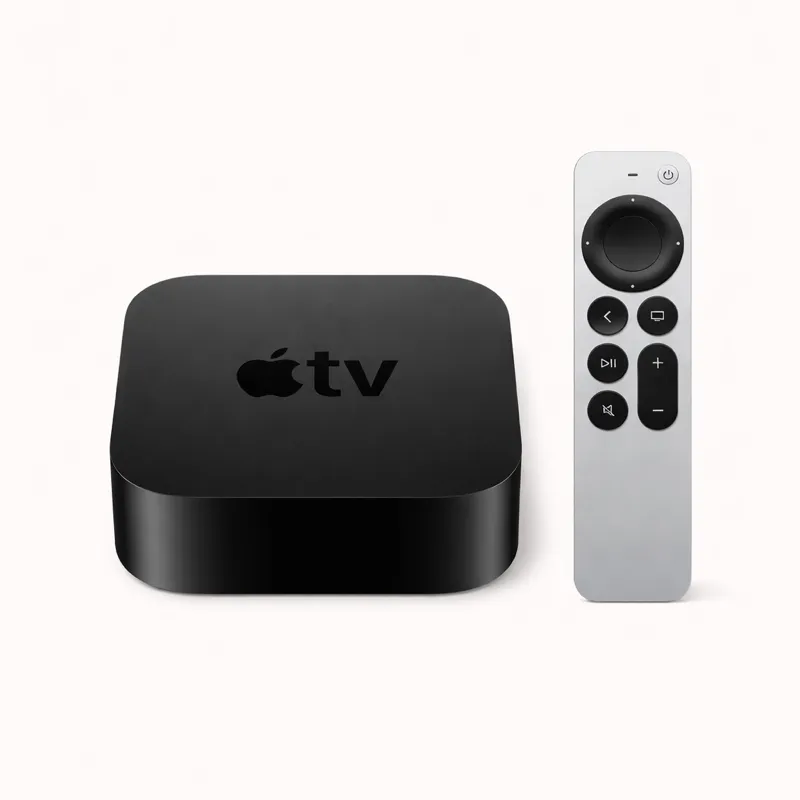
The HomePod 2 is the right answer for Apple households that want premium spatial audio alongside their smart home hub, buyers who want built-in temperature sensing and smoke detection for HomeKit automations, and anyone committed to the Apple ecosystem who does not need Zigbee or Z-Wave natively. It is the wrong answer for households with existing Zigbee or Z-Wave devices, budget-conscious buyers, and anyone outside the Apple ecosystem. For a straightforward HomeKit entry hub at a lower price, the Apple TV 4K at $129.99 delivers the same Thread border routing and home hub functions at less than half the cost.