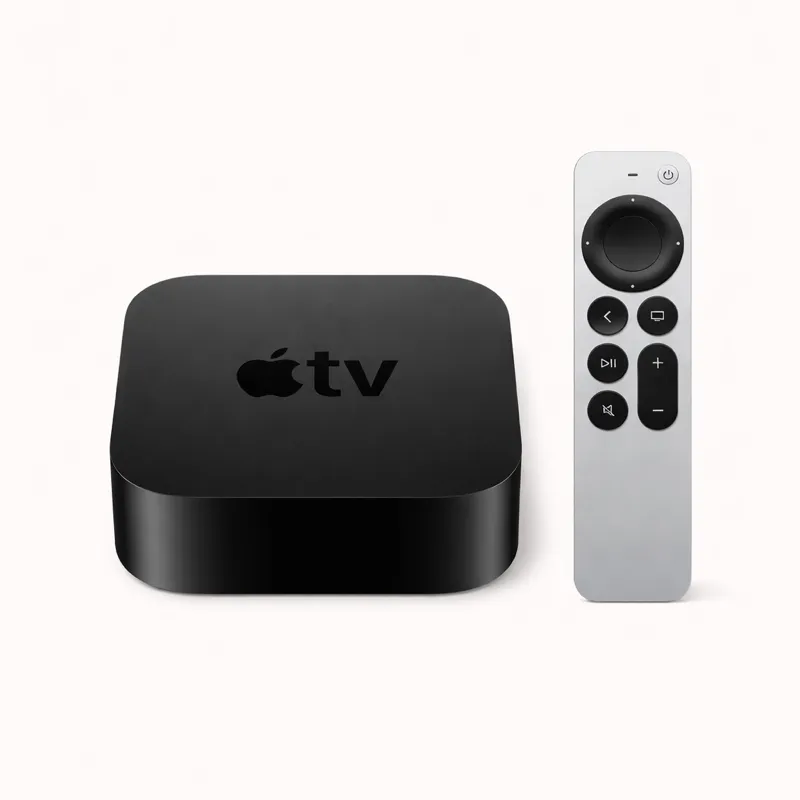
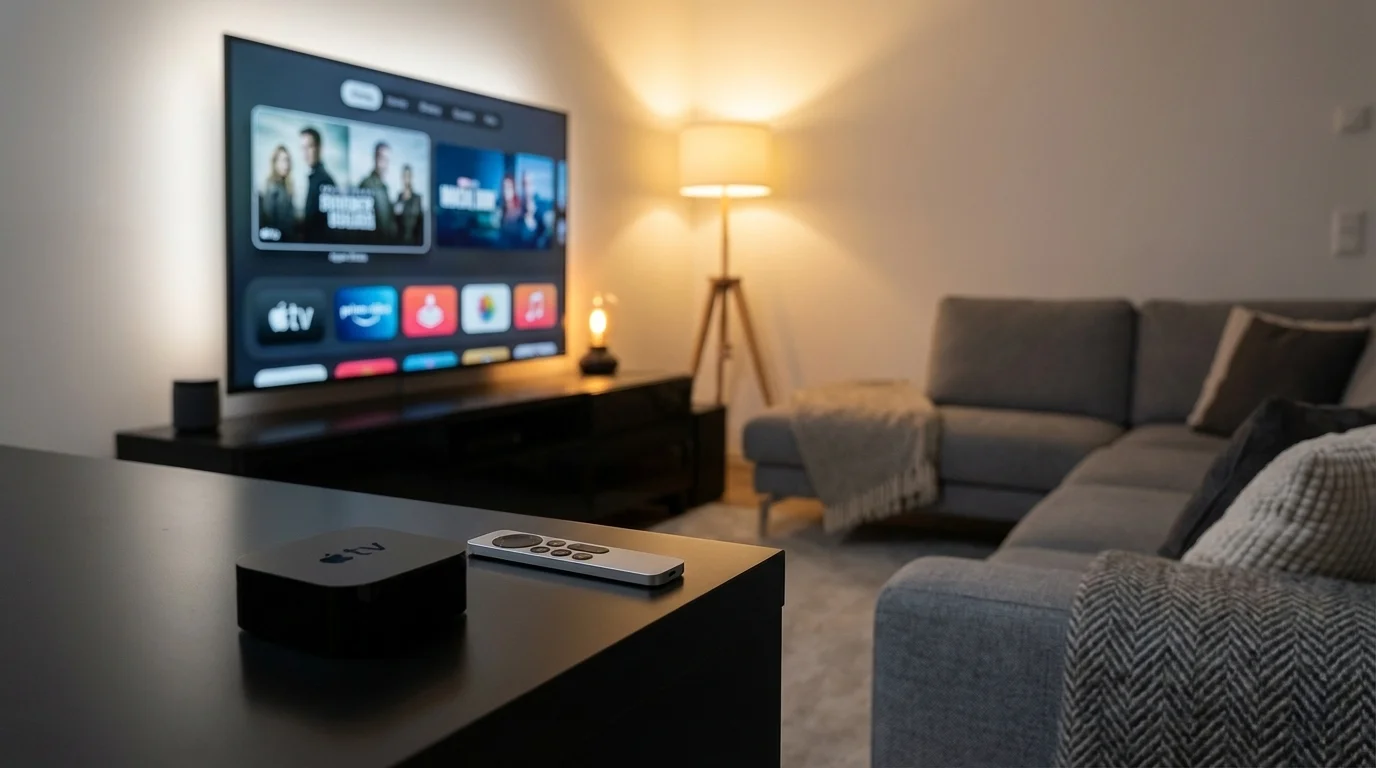
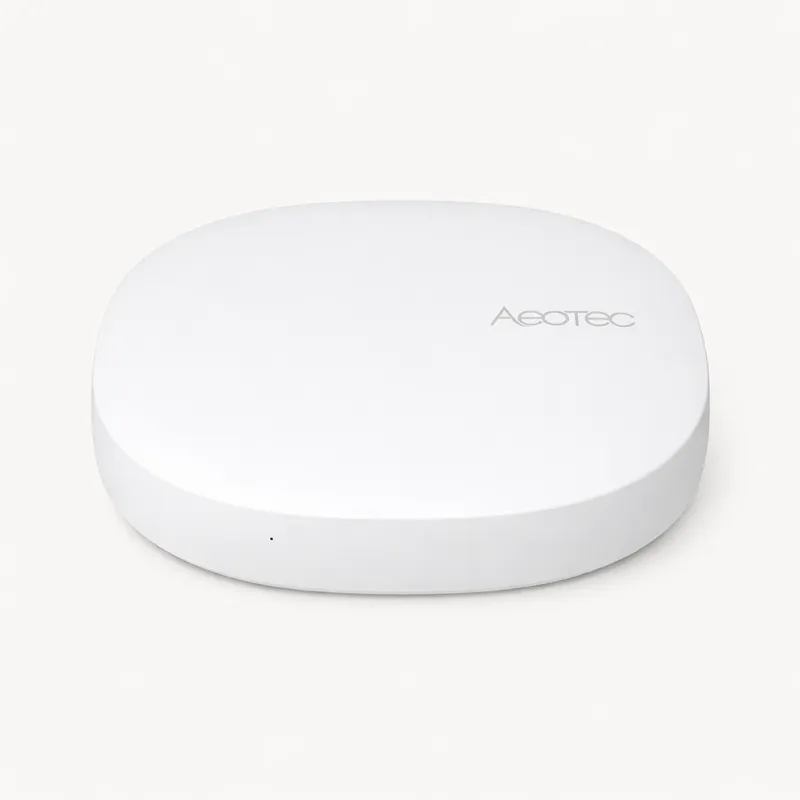
The Apple TV 4K is one of those rare products that excels simultaneously at two completely separate jobs. As a 4K streaming player, it is the fastest and most polished box available — the A15 Bionic chip handles Dolby Vision and Dolby Atmos content without compromise, AirPlay integration is seamless, and the operating system responsiveness sets the bar for the category. As a HomeKit home hub and Thread border router, it provides all the smart home infrastructure an Apple household needs at $129.99 — a price lower than any competing hub with comparable Thread and Matter capabilities.
The A15 Bionic chip is the hardware differentiator that matters for both jobs. For streaming, it delivers frame-rate-matched refresh, HDR processing, and a responsiveness gap versus competing streaming boxes that is immediately apparent. For smart home use, the A15 handles HomeKit Secure Video processing on-device — analysing camera feeds locally for faces, packages, pets, and motion without sending video to Apple's servers. This combination of powerful local processing and privacy-by-design is something no other streaming device and few dedicated hubs can match.
Thread border router capability is built into the Apple TV 4K's networking hardware. Thread is the low-power mesh protocol that Matter uses for battery-powered devices — sensors, locks, switches. Every Matter-over-Thread device you add to your home routes through the Apple TV for optimal local mesh networking. Unlike Wi-Fi-only Matter devices, which rely on your home router for every command, Thread devices communicate through the mesh directly, giving them lower latency and greater resilience during network congestion or router restarts.
The HomeKit home hub function makes the Apple TV 4K uniquely useful for iPhone households. A HomeKit home hub is required to enable automations when you are away from home, time-of-day triggers, and location-based routines. The Apple TV 4K runs this function silently in the background while displaying streaming content. For Apple households that already own a television, adding the Apple TV 4K is the lowest-friction path to a complete HomeKit setup — the hub function comes bundled with a genuinely excellent streaming device at no extra cost.
HomeKit automations run locally on the Apple TV 4K's chip, not through Apple's servers. Sensor-triggered automations, time-of-day routines, and location-based triggers execute on-device — giving them reliability during internet outages and privacy by design. This places the Apple TV 4K in the same local processing category as Hubitat and Home Assistant, despite being a consumer product that requires no configuration to achieve it.
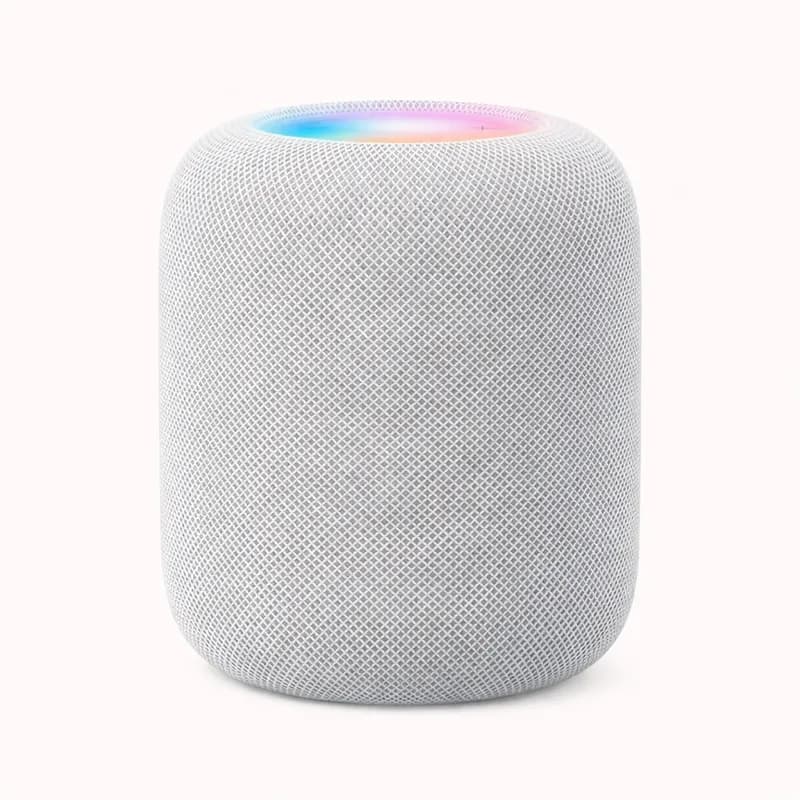
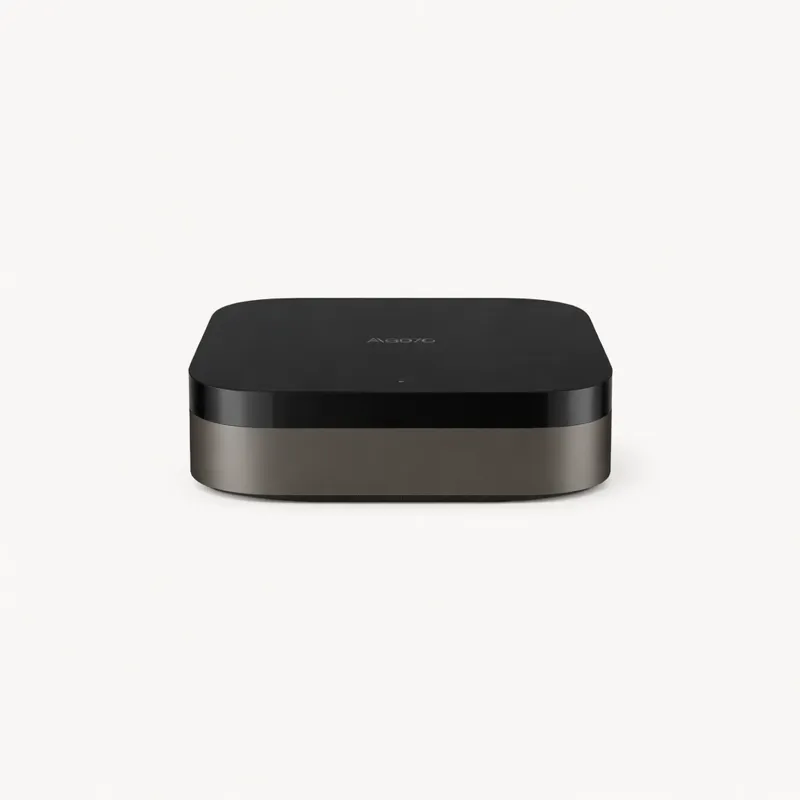
The protocol limitations are the primary constraint. Like the Nest Hub Max and HomePod 2, the Apple TV 4K has no Zigbee or Z-Wave radio. Devices in those protocols require a separate coordinator running alongside it — the Aqara Hub M3 is the natural companion for Zigbee integration. For a HomeKit setup built around Thread/Matter accessories and Wi-Fi devices, this is not a constraint that surfaces in daily use. For an existing smart home with Zigbee bulbs and Z-Wave locks, the Apple TV 4K alone is insufficient.
At $129.99, the Apple TV 4K sits in a uniquely positioned price segment. For households that need a 4K streaming box, the combined streaming-plus-hub value is exceptional compared to buying them separately. The HomePod 2 ($299) adds superior audio and built-in sensors but costs $170 more. The Aqara Hub M3 ($89.99) adds Zigbee but lacks the streaming integration and requires a TV for visual output. For Apple households who already own or need a television, the Apple TV 4K is the most cost-efficient HomeKit hub available.
The Apple TV 4K is the right answer for iPhone households that want a combined streaming player and HomeKit hub, buyers who need a Thread border router without a dedicated hub box, and anyone who prioritises local HomeKit processing without the complexity of Home Assistant. It is the wrong answer for households without a television, buyers who need Zigbee or Z-Wave without an additional hub, and users outside the Apple ecosystem.