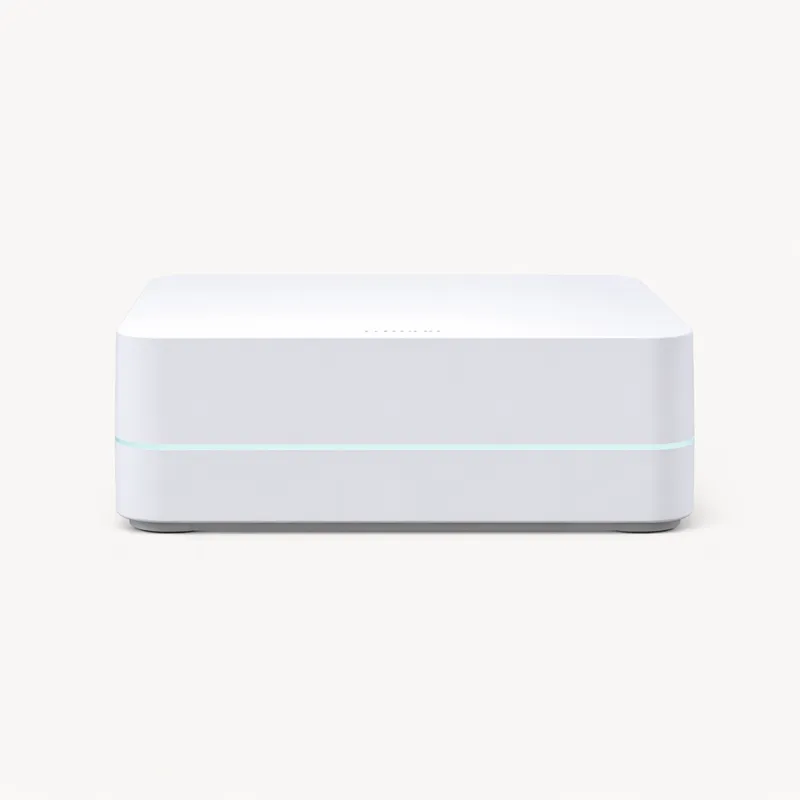
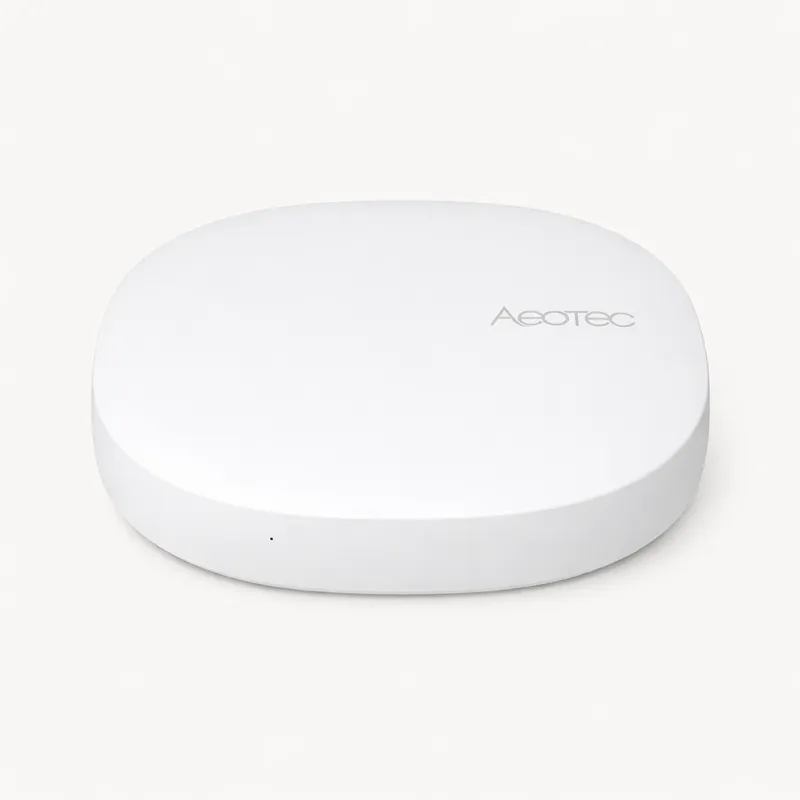
The Lutron Caséta Smart Hub is the definitive choice for anyone building a smart lighting system around in-wall switches and dimmers — the category of smart lighting that most general-purpose hubs handle inconsistently and Lutron handles better than any competitor in the market. In a landscape where smart home hubs promise broad compatibility, the Caséta Smart Hub commits to doing one specific thing with exceptional reliability, then opens up to the broader ecosystem through integrations rather than native multi-protocol radios.
The core technical advantage is Clear Connect, Lutron's patented 434MHz radio technology. Unlike Zigbee (operating at 2.4GHz) and Z-Wave (800–900MHz), Clear Connect operates on a less congested frequency range with a proprietary protocol designed exclusively for lighting devices. The practical result is a system with notably fewer connectivity failures, faster response times, and significantly less RF interference than competing protocols — particularly relevant in dense apartment buildings and urban homes where the 2.4GHz spectrum is saturated with neighbouring Wi-Fi networks. Lutron's documentation cites sub-100ms command latency from hub to switch, and real-world usage reflects this: Caséta switches turn on when you tap them. Not usually. Not almost always. Every time.
The device ecosystem is deliberately closed — and deliberately premium. Lutron Caséta dimmers cost $30–$60 per switch compared to $10–$25 for comparable Zigbee dimmers from IKEA or SONOFF. You are buying the reliability and engineering quality of a company that has been building commercial lighting controls for decades. The Caséta PRO and RA2 product lines serve commercial buildings where lighting failure is not acceptable; the residential Caséta line inherits the same engineering culture at a consumer price point. For people who want their smart switches to work with the consistency of a standard light switch — which is the standard smart home lighting should be held to — the premium is justified.
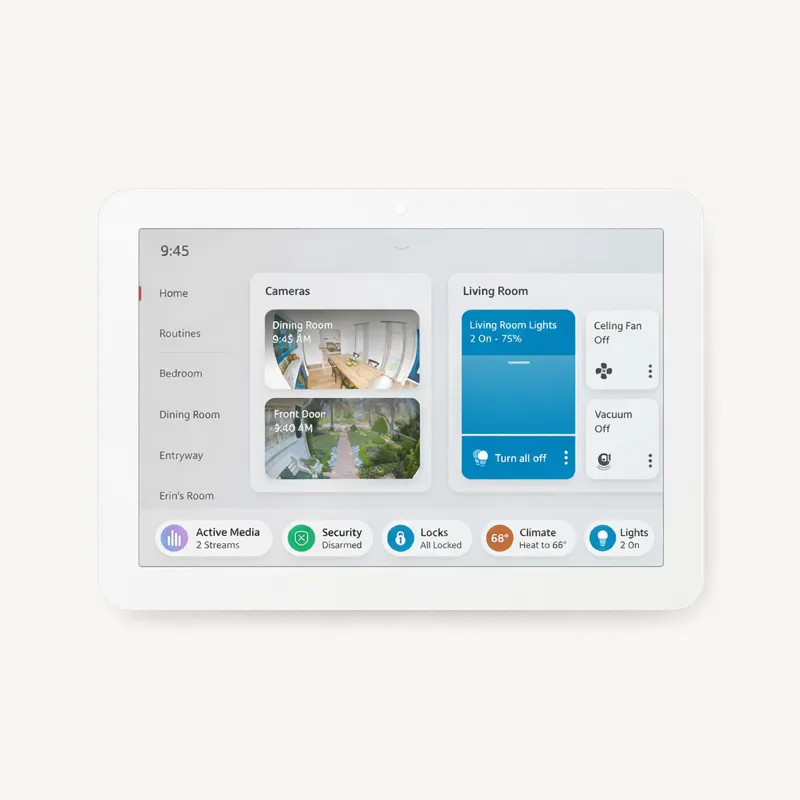
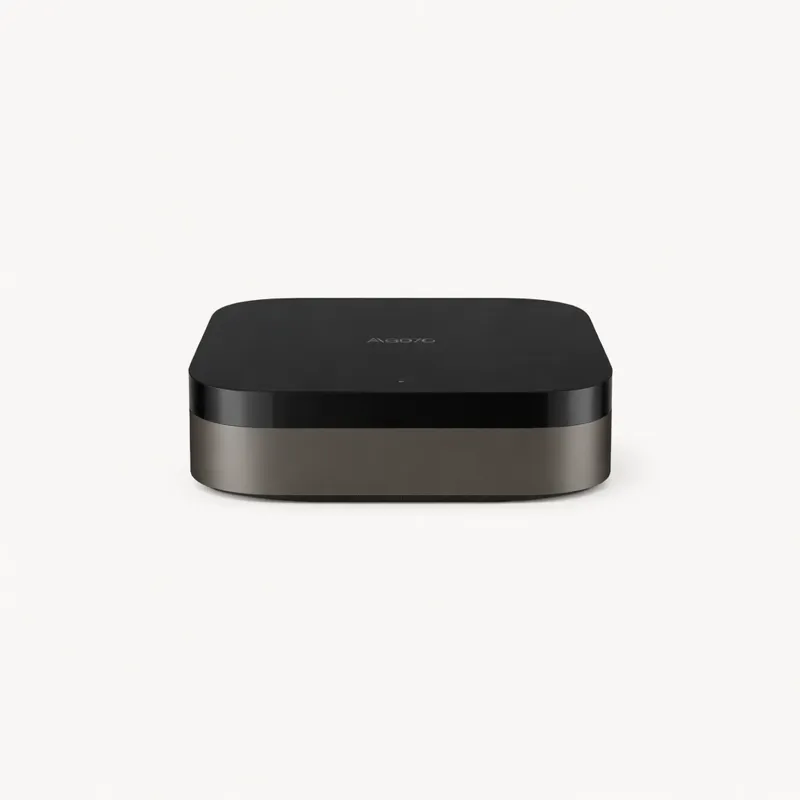
The Smart Hub connects exclusively to Lutron Caséta devices. It does not act as a Zigbee coordinator, a Z-Wave controller, or a Matter hub. This architectural choice preserves the system's reliability advantage — by controlling precisely what devices connect, Lutron maintains full control over the protocol stack and can validate performance across every configuration. The trade-off is a closed ecosystem you run alongside a separate general-purpose hub rather than replacing one. The intended architecture for a full smart home using Caséta: Lutron Smart Hub handles all lighting, a second hub handles locks, sensors, thermostats, and cameras.
Ecosystem integration at the API layer is the Smart Hub's most underappreciated feature. The Caséta platform has official integrations with more third-party systems than any competing lighting hub: Amazon Alexa, Apple HomeKit, Google Home, Ring, Samsung SmartThings, Sonos, Ecobee, Nest, and dozens of custom integrations for home automation platforms including Hubitat and Home Assistant. Add a Caséta Smart Hub to a Hubitat setup and your dimmers appear natively in Hubitat's device list with full dimming and scene support. Add it to Home Assistant and the native Lutron Caséta integration gives you full device control without any third-party bridge. This depth means the Smart Hub functions as a reliable lighting backend that any general-purpose hub can use — not a competing platform.
The 75-device limit covers most US residential installations comprehensively. A four-bedroom house with switches and dimmers in every room, common areas, exterior lights, and garage sits well within this limit. The Serena shades integration extends the hub to motorised blinds using the same reliable Clear Connect protocol, adding automated shade control to the lighting system without a separate motorised blind hub.
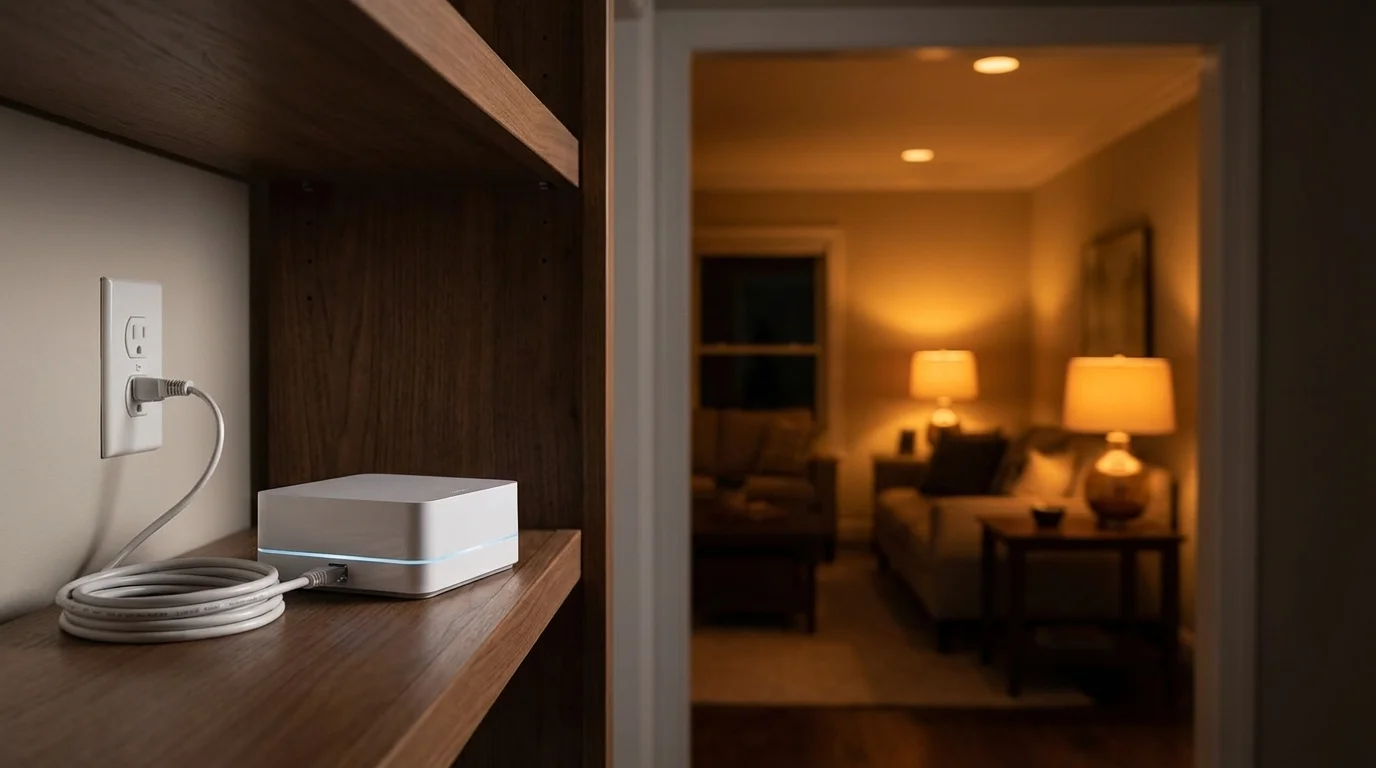
Setup is straightforward. The hub connects via a short Ethernet cable to your router, the Lutron app discovers it automatically, and adding devices follows a guided pairing sequence. The Pico Remote — a battery-powered wireless remote that uses Clear Connect directly — is one of the most reliable smart home accessories available. It communicates with the hub without Wi-Fi, has a battery life measured in years, and provides tactile physical control for people who prefer not to use voice commands or phone apps. Lutron bundles Pico Remotes with most Caséta starter kits.
At $89.95 for the hub, the Caséta entry cost is modest. The ongoing investment is per-switch: $30–$60 per dimmer adds up in a house with 20+ light circuits. The total cost of a whole-house Caséta installation is $700–$1,500 in hardware alone — a premium compared to a Zigbee-based approach, but a reasonable comparison to mid-tier hardwired commercial lighting systems given the reliability track record.
The Lutron Caséta Smart Hub is the right answer for anyone who wants reliably fast in-wall smart lighting with no connectivity failures, buyers building lighting-focused smart homes who plan to run a second general-purpose hub alongside it, and households that prioritise integration breadth at the platform layer. It is the wrong answer for buyers seeking a single all-in-one hub for their entire smart home, and anyone whose primary device category is not in-wall switches and dimmers.