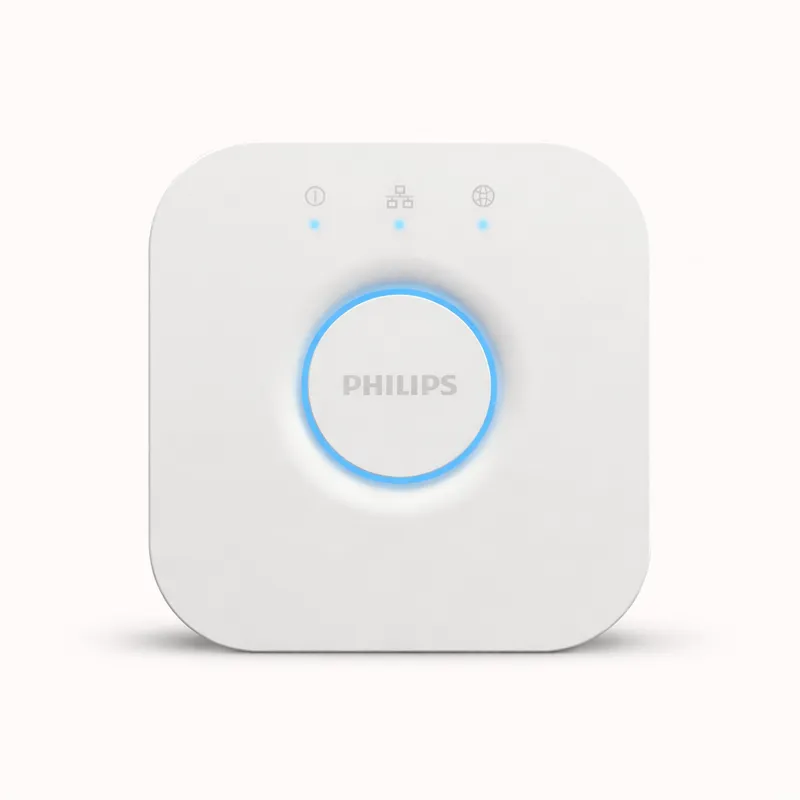
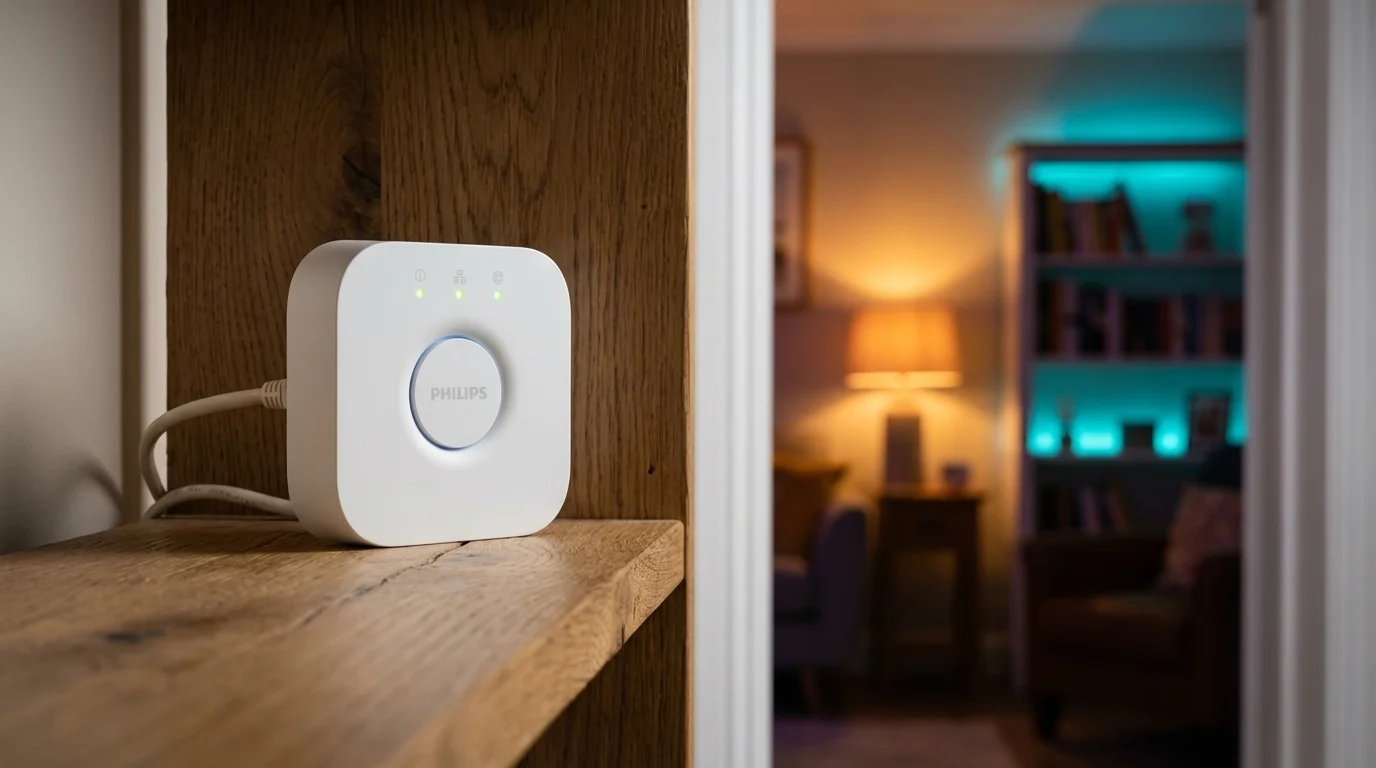
The Philips Hue Bridge is not a general-purpose smart home hub — and that is precisely the point. It is the best dedicated lighting hub on the market, built exclusively to manage Philips Hue lights with exceptional reliability, full local processing, and the most mature residential lighting automation ecosystem available. For anyone building a serious Philips Hue lighting setup, the Bridge is required infrastructure, not optional hardware.
The distinction between Hue-with-Bridge and Hue-without-Bridge matters and is widely misunderstood. Hue bulbs can pair directly via Bluetooth to the Hue app, and casual users often run this way for months without noticing the limitations. But Bluetooth Hue operates in a restricted mode: no rooms or zones, no dynamic scenes, no schedules, no motion-triggered automations, no remote access, and a maximum of ten devices paired per phone. The Bridge unlocks all of this — and runs it locally, without cloud dependency. Your Hue scenes execute at the same speed whether your internet is up or down, and your schedules fire without Amazon or Google's servers being involved.
Matter certification arrived in September 2023 as a generally available firmware update — not beta, not preview, fully deployed to all current Hue Bridge v2 hardware. The practical implication is significant: your Hue lights now appear natively across Amazon Alexa, Apple HomeKit, and Google Home simultaneously, without needing separate bridge apps or ecosystem-specific setup steps. In the pre-Matter era, choosing your voice assistant meant committing your Hue setup to one platform permanently. Matter ended that constraint. You can control the same lights through Siri in the kitchen and Alexa in the bedroom, with both platforms reading the same device state.
The Hue ecosystem's depth is difficult to overstate. Hue produces over 400 products in the current lineup: A19 and BR30 bulbs in every colour temperature, LED strips, recessed downlights, outdoor path and flood lights, Gradient Lightstrips that project ambient colour onto walls, Bloom accent lamps, and the Hue Play HDMI Sync Box for entertainment lighting sync. All of this connects to and is orchestrated by the Bridge. The accessories ecosystem extends to motion sensors, dimmer switches, smart buttons, and wall plates that are among the most reliable and well-designed smart home accessories available.
The proprietary Zigbee profile is an important technical distinction. The Hue Bridge uses a Hue-specific Zigbee variant that is not compatible with standard Zigbee 3.0 devices from other manufacturers. Your IKEA sensors, Aqara door contacts, and Sonoff plugs will not pair with the Bridge. This architectural choice is deliberate — it gives Hue its consistency and reliability advantage but means the Bridge is for lights, and a separate hub handles everything else. For a dedicated lighting hub, this is an expected constraint rather than a limitation.
Physical setup requires an Ethernet connection to your router — there is no Wi-Fi option on the standard Hue Bridge. In practice this is invisible to most users, since the bridge connects to the router in your network closet or entertainment centre and is never touched again. The soft limit of 50 Hue lights covers the vast majority of residential installations.
The Hue app is one of the highest-rated smart home apps in both the Apple App Store and Google Play. The interface is well-designed, scenes and schedules are easy to create, and the automation system covers the most common lighting use cases: sunrise and sunset triggers, motion-activated lights with dimming delays, colour temperature adjustments through the day, and entertainment scene sync. Hue Entertainment — which syncs lighting to video content via the HDMI Sync Box — is a genuinely differentiated capability unavailable on any competing lighting platform.
At $34.99, the Philips Hue Bridge is the lowest entry point for a serious smart home infrastructure component in this entire guide — a price that belies its importance as the hub for one of the most capable consumer lighting ecosystems available. Hue bulbs cost more per unit than Zigbee alternatives from IKEA or Sengled, but system reliability, colour accuracy, scene quality, and long-term firmware support justify the premium for buyers who care about their lighting environment.
The Philips Hue Bridge is the right answer for anyone building a Philips Hue lighting setup — it is required for full functionality. It is the wrong answer for anyone wanting a general smart home hub, users seeking a single device for both lighting and security, and buyers who want to coordinate Zigbee devices from multiple brands under one controller.