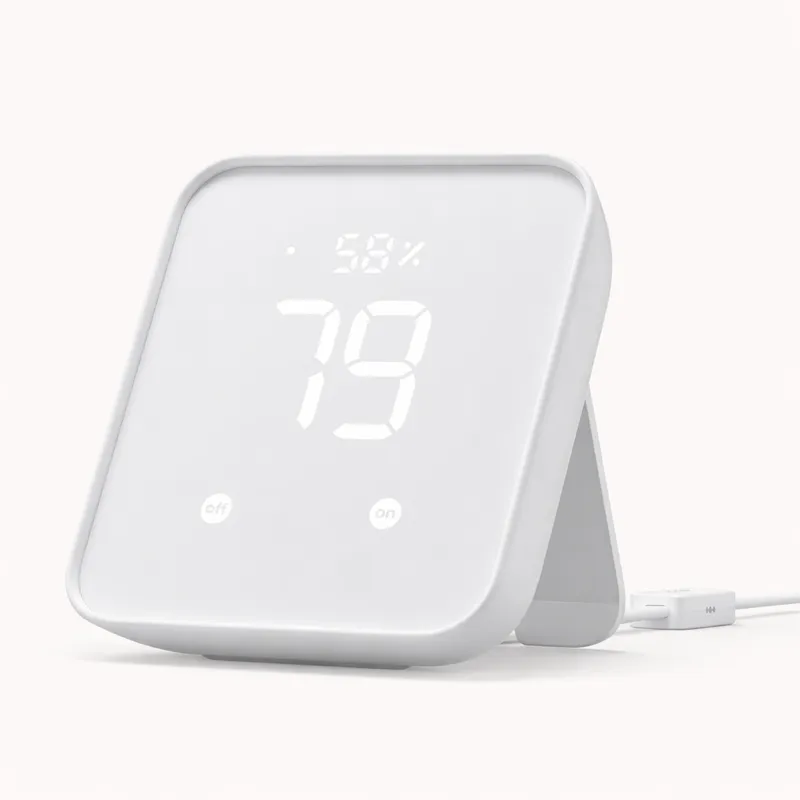
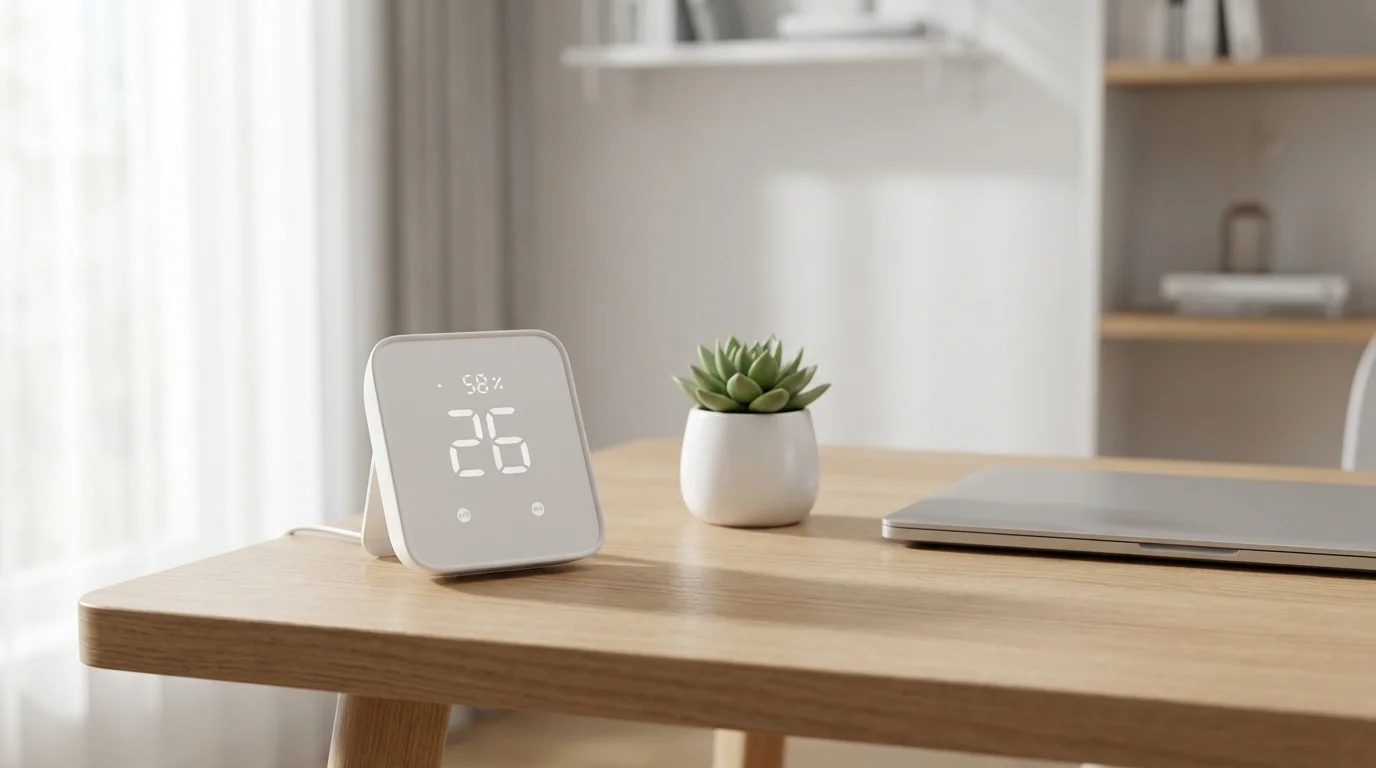
The SwitchBot Hub 2 is the right smart home starting point for a specific buyer: the renter or small-apartment dweller who wants voice-controlled lighting, some smart accessories, and the ability to upgrade later without discarding the initial investment. At $69.99, it delivers Matter certification, a built-in IR blaster for older TVs and air conditioners, and a temperature and humidity sensor — a feature set that would have cost $150–$200 just a few years ago.
The Matter certification is the most strategically important feature at this price. Where earlier budget hubs required ecosystem lock-in — buying Alexa-specific or Google-specific devices — a Matter-certified hub means SwitchBot accessories you buy today remain accessible through Alexa, Google Home, and HomeKit regardless of which hub controls them in the future. That portability has real value for buyers who know they are starting small and plan to expand: your SwitchBot Smart Lock, SwitchBot Curtain Runner, or SwitchBot Color Bulb will still work when you graduate to a more capable hub.
The IR blaster is a legitimately useful feature that most hubs do not offer at any price. Point the Hub 2 at your television, air conditioner, or ceiling fan once to learn the IR codes, and those devices become smart home controllable — schedule the AC to cool the apartment before you arrive, or trigger the TV to turn off as part of a bedtime scene. For older devices without Wi-Fi or Matter connectivity, IR blasting is the most cost-effective retrofit available. Combining IR control and Matter certification in a $69.99 device is difficult to match anywhere in the current market.
The built-in temperature and humidity sensor adds another layer of automation without requiring additional hardware. You can create routines that trigger a smart fan when the room exceeds a certain temperature, or automate a dehumidifier based on humidity readings. These are not features you expect at this price point, and they make the Hub 2 useful even in setups where the smart home functionality is minimal.
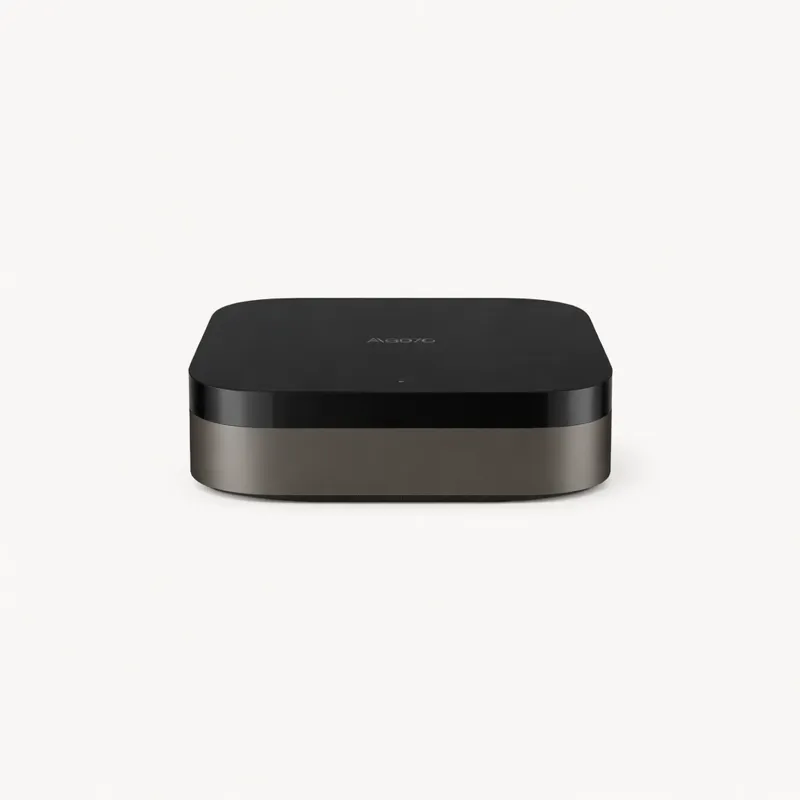
The limitations are equally important to understand before purchasing. The Hub 2 has no built-in Zigbee or Z-Wave radio, which means it cannot coordinate the broader smart home device ecosystem. Philips Hue bulbs require the Hue Bridge. Z-Wave locks require a Z-Wave hub. Aqara Zigbee sensors require the Aqara Hub M3 or another Zigbee coordinator. The Hub 2 is best understood as a Matter bridge and IR controller, not a general-purpose smart home hub — and that distinction matters for setup planning.
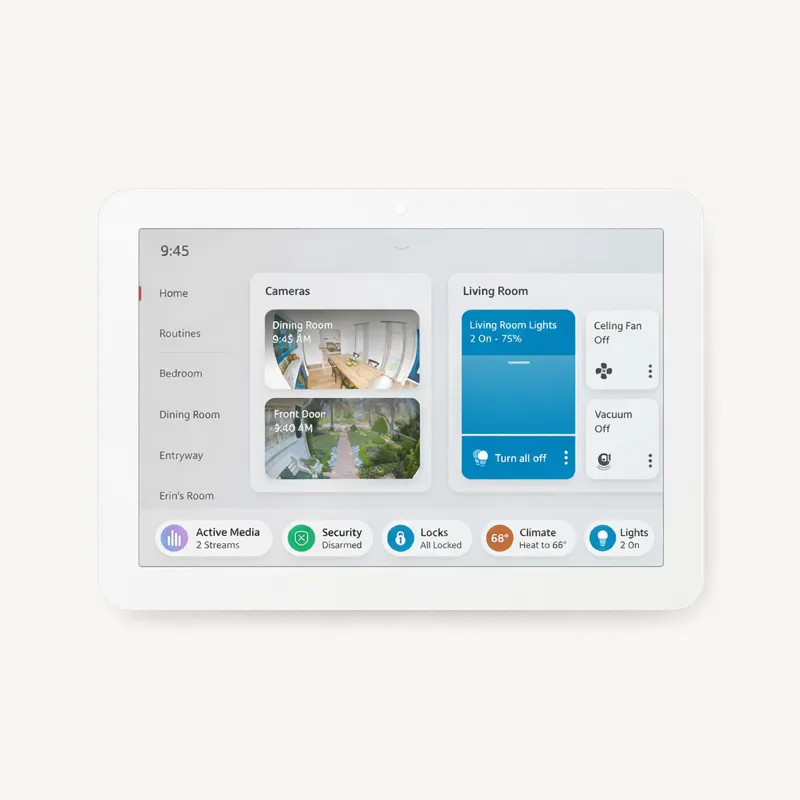
The 30-device limit is a practical ceiling that suits the target use case well. A one-bedroom apartment with smart bulbs in three rooms, a smart lock, two or three SwitchBot accessories, and IR control for TV and AC sits comfortably within this limit. A three-bedroom house with sensors in every room, multi-zone lighting, and a full security setup will outgrow it quickly. SwitchBot's own product ecosystem is the natural companion device lineup here.
Cloud dependency is the operational trade-off at this price point. Unlike Hubitat Elevation or Home Assistant, automations on the SwitchBot platform process through SwitchBot's cloud servers. Internet outages pause scheduled automations and remote access. For renters and small apartment users, this is rarely a dealbreaker. But for users who have experienced cloud service disruptions with other platforms and want resilient local automation, a different hub is needed.
At $69.99, the SwitchBot Hub 2 is the most capable entry point in the budget smart home category. The upgrade path is straightforward: when you outgrow it, add a Zigbee hub alongside it, and your Matter-compatible SwitchBot devices continue working in the same ecosystem. It is a starter hub that does not lock you in — and in 2026, that matters.